TikTV.AI
หน้าแรก
สร้าง
แอสเซต

การสร้าง

วิดีโอ AI
รูปภาพเป็นวิดีโอข้อความเป็นวิดีโออ้างอิงเป็นวิดีโอเลียนแบบการเคลื่อนไหววิดีโอเป็นวิดีโอโปรแกรมตัดต่อวิดีโอ AIสลับใบหน้าในวิดีโอเพิ่มความละเอียดวิดีโอขยายวิดีโอ
รูปภาพ AI
เครื่องมือสร้างรูปภาพ AIรูปภาพเป็นรูปภาพโปรแกรมแต่งภาพ AI
อวาตาร์
เอเจนต์
แคนวาสอัจฉริยะ
เครื่องมือ
เอฟเฟกต์
แอปAPI
อัปเกรดตอนนี้

Video Matting

Upload video
Try samples
Mark subject
Please upload a video first.

Click the subject you want to cut out, then click “Add mask”.

Click the subject you want to cut out, then click “Add mask”.

Video Matting

Isolate any subject in your video and generate a high-quality matte in one click.
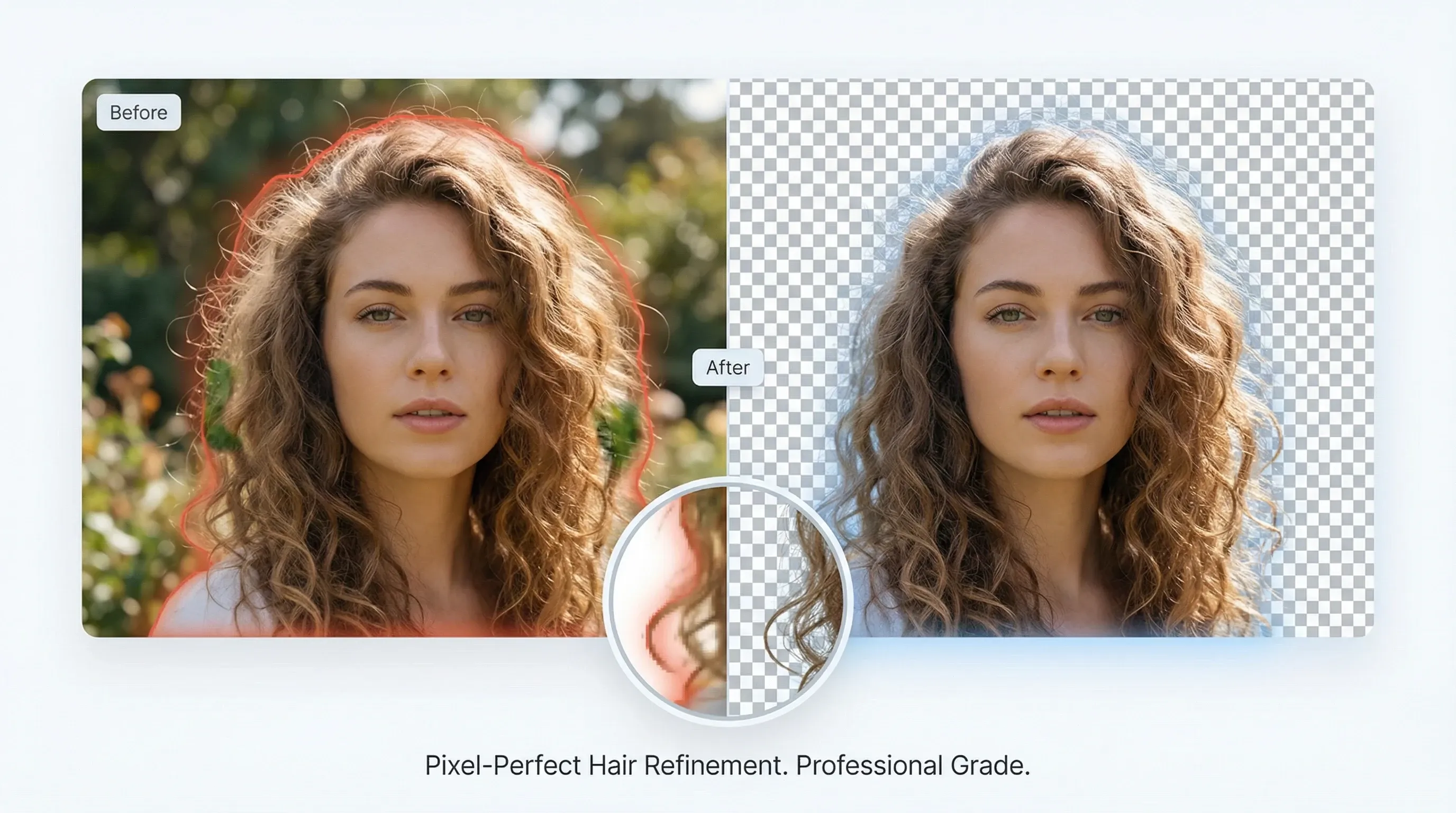
Professional-grade edge refinement

Professional-grade edge refinement

Advanced edge refinement delivers studio-quality alpha mattes that preserve hair and fine details.

Try video matting for free
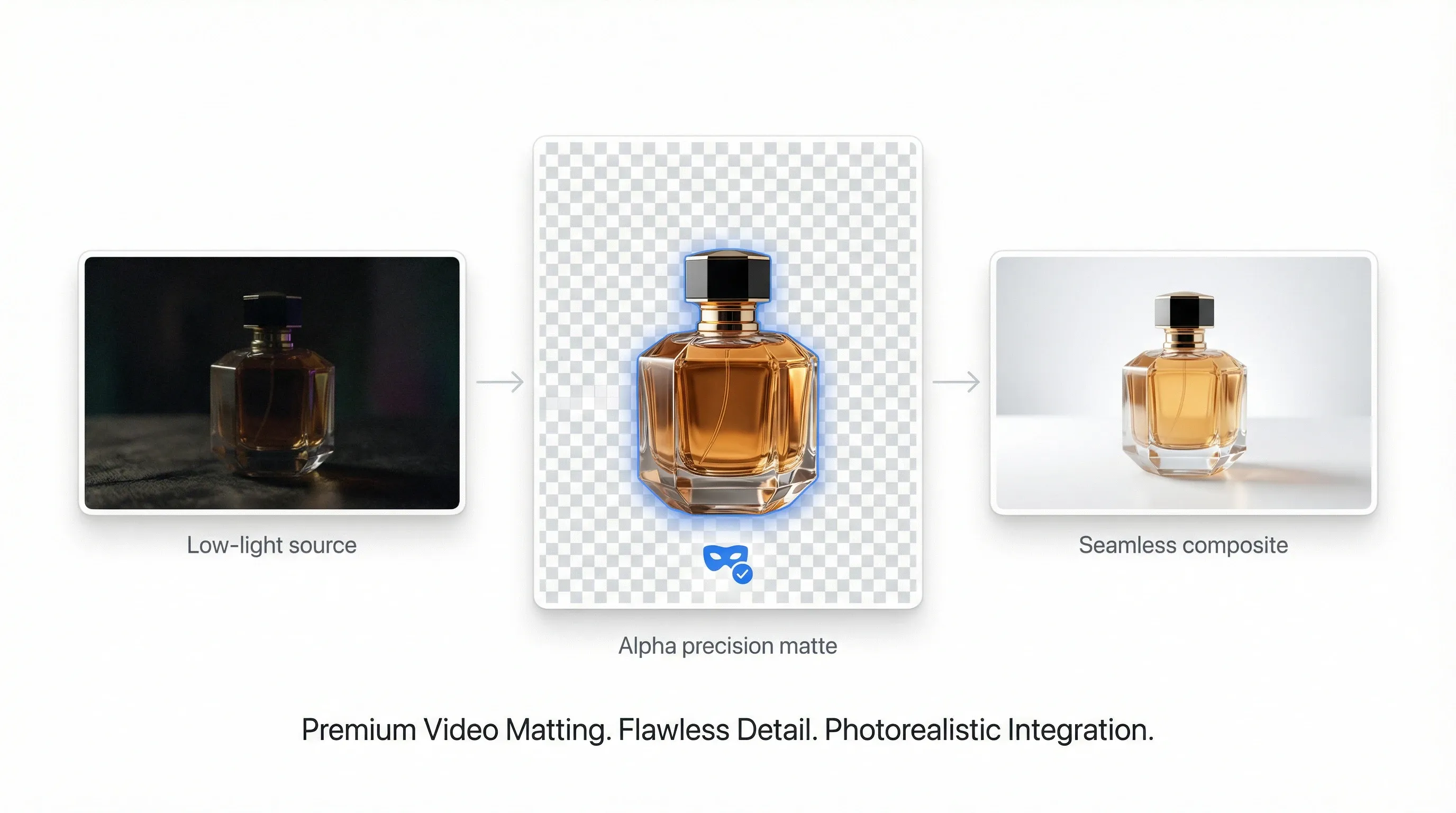
High-precision alpha matting

High-precision alpha matting

Keep subject detail even in low light, reduce noise, and prepare clips for seamless compositing.

Try video matting for free
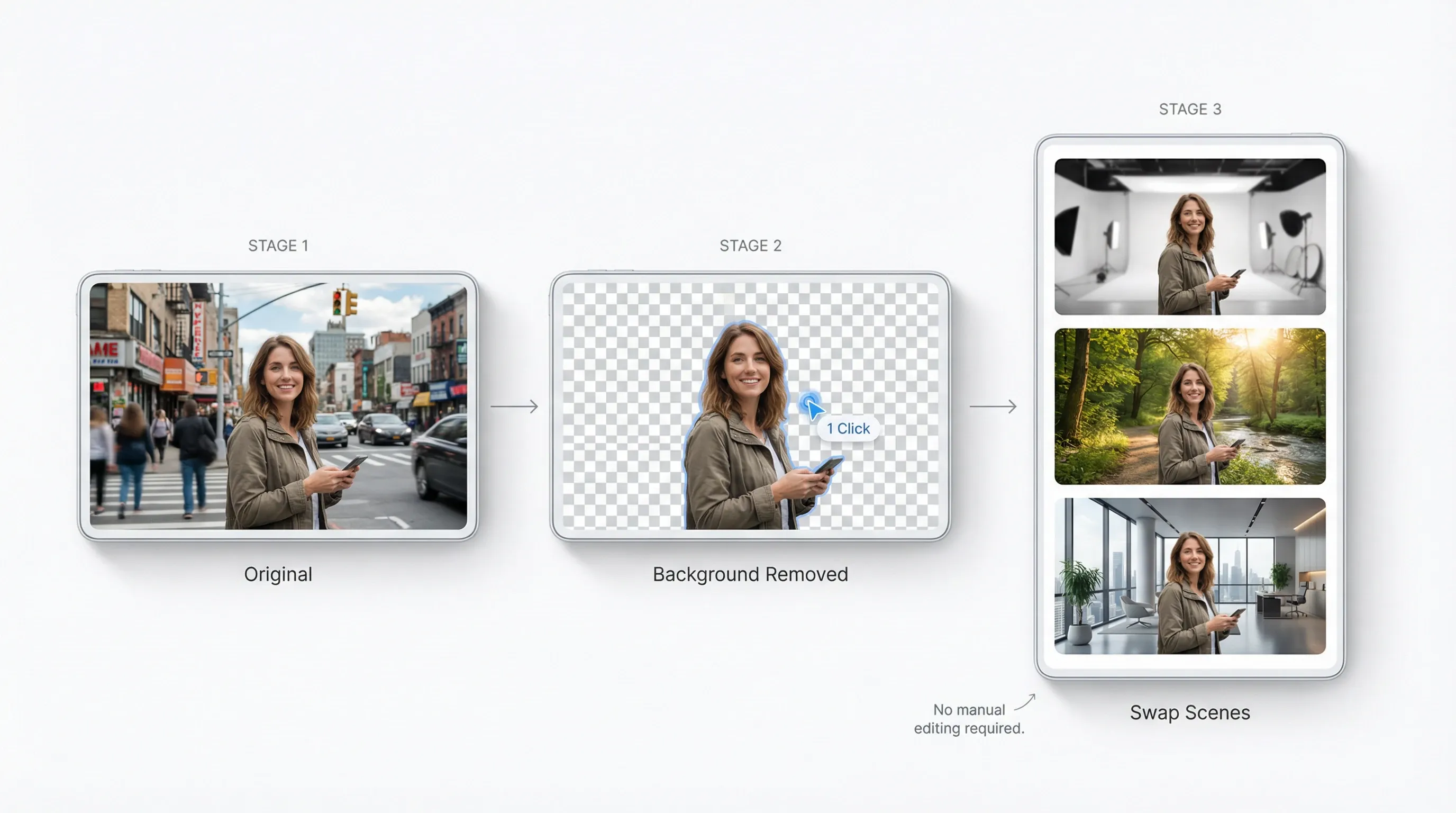
Remove backgrounds without manual editing

Remove backgrounds without manual editing

One-click subject isolation across frames so you can swap scenes and create variants fast.

Try video matting for free
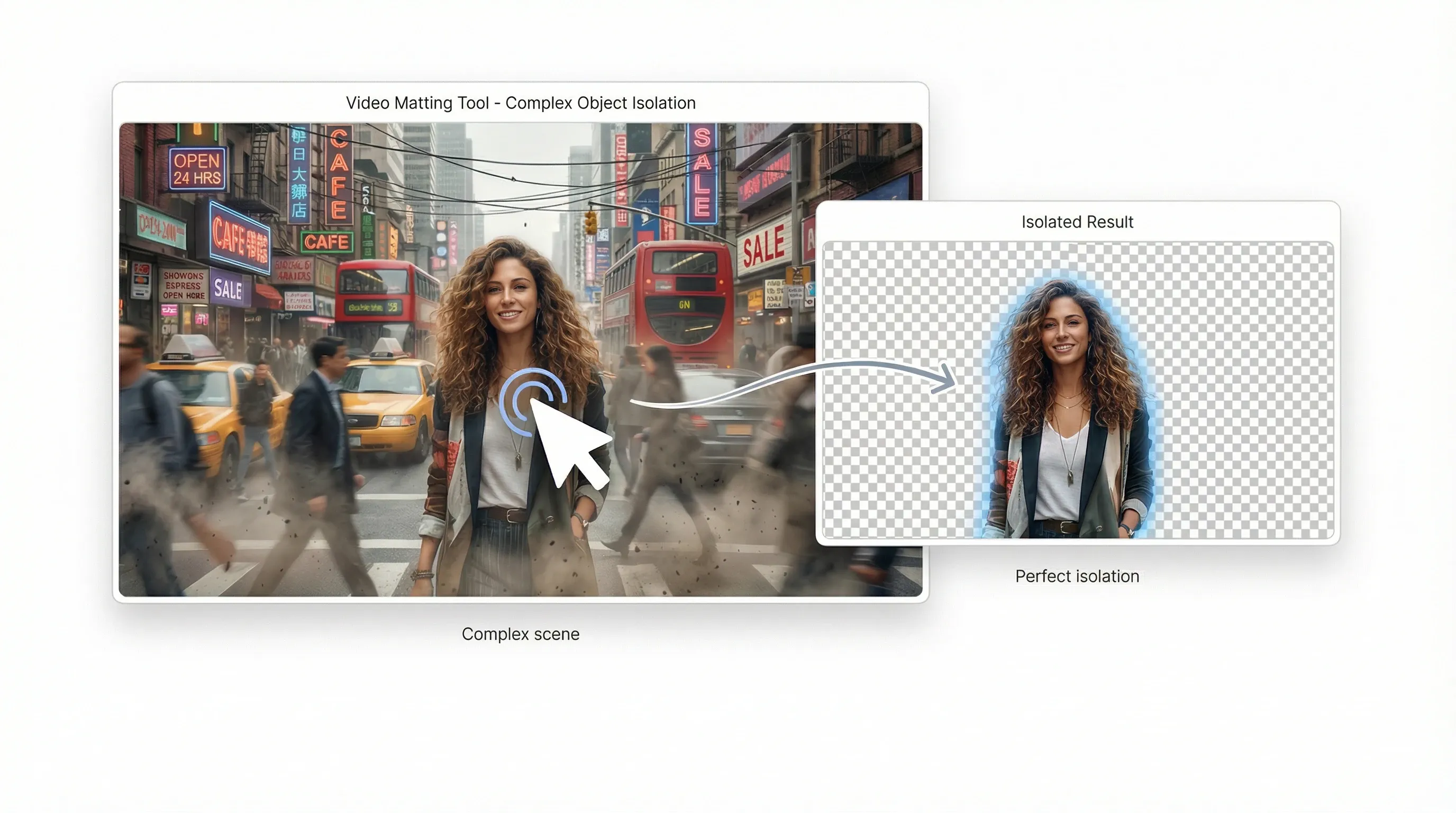
Eliminate editing bottlenecks

Eliminate editing bottlenecks

Automate complex object isolation that used to take hours of manual rotoscoping.

Try video matting for free

AI video matting for every creative idea
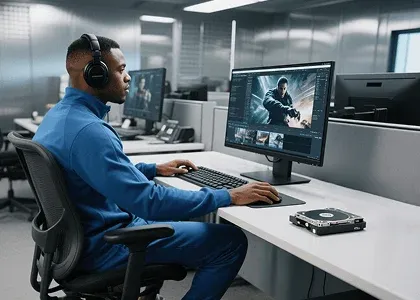
Studio-grade composites without a green screen

Studio-grade composites without a green screen

Separate complex subjects—including hair and fur—into professional alpha mattes in seconds.

How to use video matting?

  1. 1Upload a video, then click any object or area you want to isolate.
  2. 2AI automatically identifies the frame and removes the background.
  3. 3Download the foreground and alpha videos for compositing.
Try video matting for free

Explore more AI creative tools on TikTV AI

Motion graphics
Motion graphics
Video transitions
Video transitions
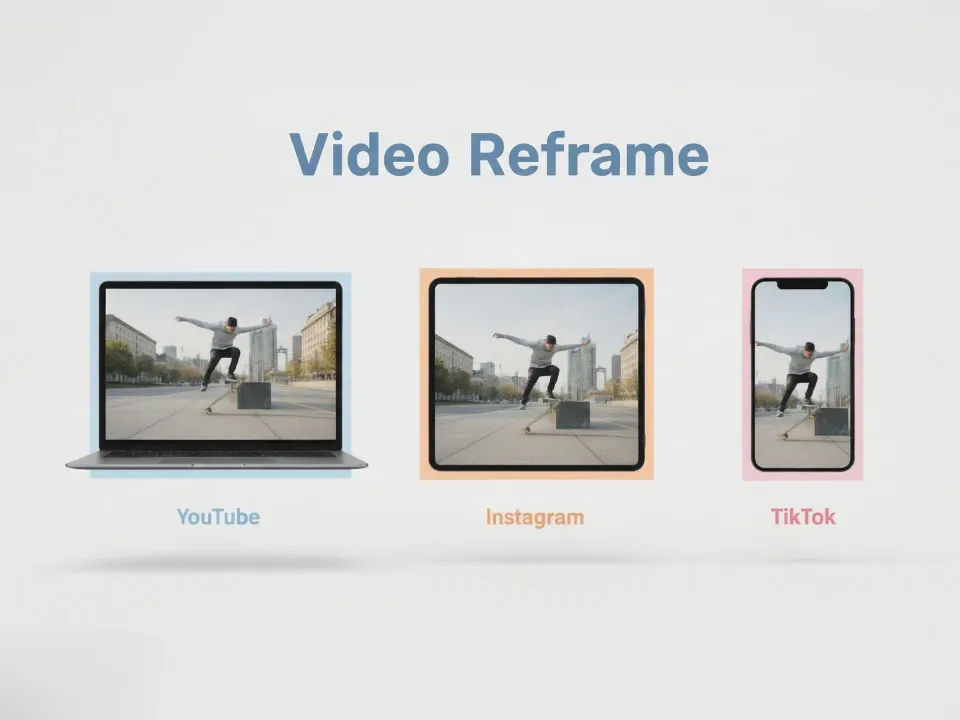
Video reframe
Video reframe
Camera angles
Camera angles

Video matting FAQs

Yes. Free credits let you try key features including background removal and transparency. Buy more for unlimited access.

Use video matting now and cut anything in seconds!

Try video matting for free
เครื่องมือสร้างสรรค์
เครื่องสร้างวิดีโอด้วย AI
AI แปลงข้อความเป็นวิดีโอ
AI แปลงรูปเป็นวิดีโอ
อ้างอิงเป็นวิดีโอ
AI แปลงรูปเป็นวิดีโออวาตาร์
เครื่องแก้ไขวิดีโอด้วย AI
การเลียนแบบการเคลื่อนไหว
AI แปลงวิดีโอเป็นวิดีโอ
เครื่องสร้างรูปภาพด้วย AI
AI แปลงรูปเป็นรูป
เครื่องแก้ไขภาพด้วย AI
เครื่องสร้างเสียงด้วย AI
เครื่องมือวิดีโอด้วย AI
เครื่องมือรูปภาพด้วย AI
เครื่องสร้างรูปภาพ
LoRAs
โมเดลวิดีโอ
Veo 3
Sora 2
Kling 3.0
Seedance 2.0
Kling AI
Hailuo AI
PixVerse AI
Runway
Vidu AI
Luma AI
Wan AI
Hunyuan
โมเดลเพิ่มเติม
โมเดลรูปภาพ
GPT Image 2
Nano Banana 2
Recraft
Ideogram
Stable Diffusion
Flux AI
Seedream
Dall-E
Imagen
GPT-4o
Flux Kontext
Qwen Image
Wan AI
โมเดลเพิ่มเติม
แอป
เครื่องสร้างวิดีโอแพร่ระบาด
โฆษณาวิดีโอจากผู้ใช้สร้างขึ้นเอง
โฆษณาวิดีโอคลอน
วิดีโออนิเมะ
วิดีโอเรื่องราว
วิดีโอเพลง
วิดีโอข่าว
วิดีโออธิบาย
วิดีโออินสตาแกรม
วิดีโอเฟซบุ๊ก
วิดีโอ B - Roll
ส่วนท้ายวิดีโอยูทูป
วิดีโอวันเกิด
วิดีโอการบูชา
แอปพลิเคชันเพิ่มเติม
บริษัท
เกี่ยวกับเรา
ติดต่อเรา
ราคา
API
ประวัติการเปลี่ยนแปลง
เซิร์ฟเวอร์ MCP
  • เครื่องมือ AI ที่ดีที่สุด
  • รีวิว
  • บทช่วยสอน
  • ทางเลือก
  • ข้อมูลเชิงลึกโมเดล AI
  • เคล็ดลับโซเชียลมีเดีย
  • บทความทั้งหมด
ดาวน์โหลดแอป
ชุมชน
โปรแกรมคู่ค้าเชิงสร้างสรรค์
โปรแกรมพันธมิตร
นโยบายการคืนเงิน
นโยบายความเป็นส่วนตัว
ข้อกำหนดและเงื่อนไข
TikTV.AI
APK

ภาษาไทย

  • English
  • Русский
  • Português
  • 日本語
  • Español
  • ภาษาไทย
  • Italiano
  • Türkçe
  • Deutsch
  • Nederlands
  • Français
  • 한국어
  • Polski
  • العربية
  • Norsk bokmål
  • Dansk
  • Bahasa Indonesia
  • 繁體中文
  • 简体中文

Copyright 2026 TikTV.AI สงวนลิขสิทธิ์

Trustscore 4.43500+ รีวิว