TikTV.AI
Home
Crea
Risorse

Creazione

Video AI
Da immagine a videoDa testo a videoDa riferimento a videoImita movimentoDa video a videoEditor video AIFace swap videoUpscaler videoEstensore video
Immagine AI
Generatore immagini AIDa immagine a immagineEditor foto AI
Avatar
Agente
Tela intelligente
Strumenti
Effetti
AppAPI
Fai upgrade ora

Video Matting

Upload video
Try samples
Mark subject
Please upload a video first.

Click the subject you want to cut out, then click “Add mask”.

Click the subject you want to cut out, then click “Add mask”.

Video Matting

Isolate any subject in your video and generate a high-quality matte in one click.
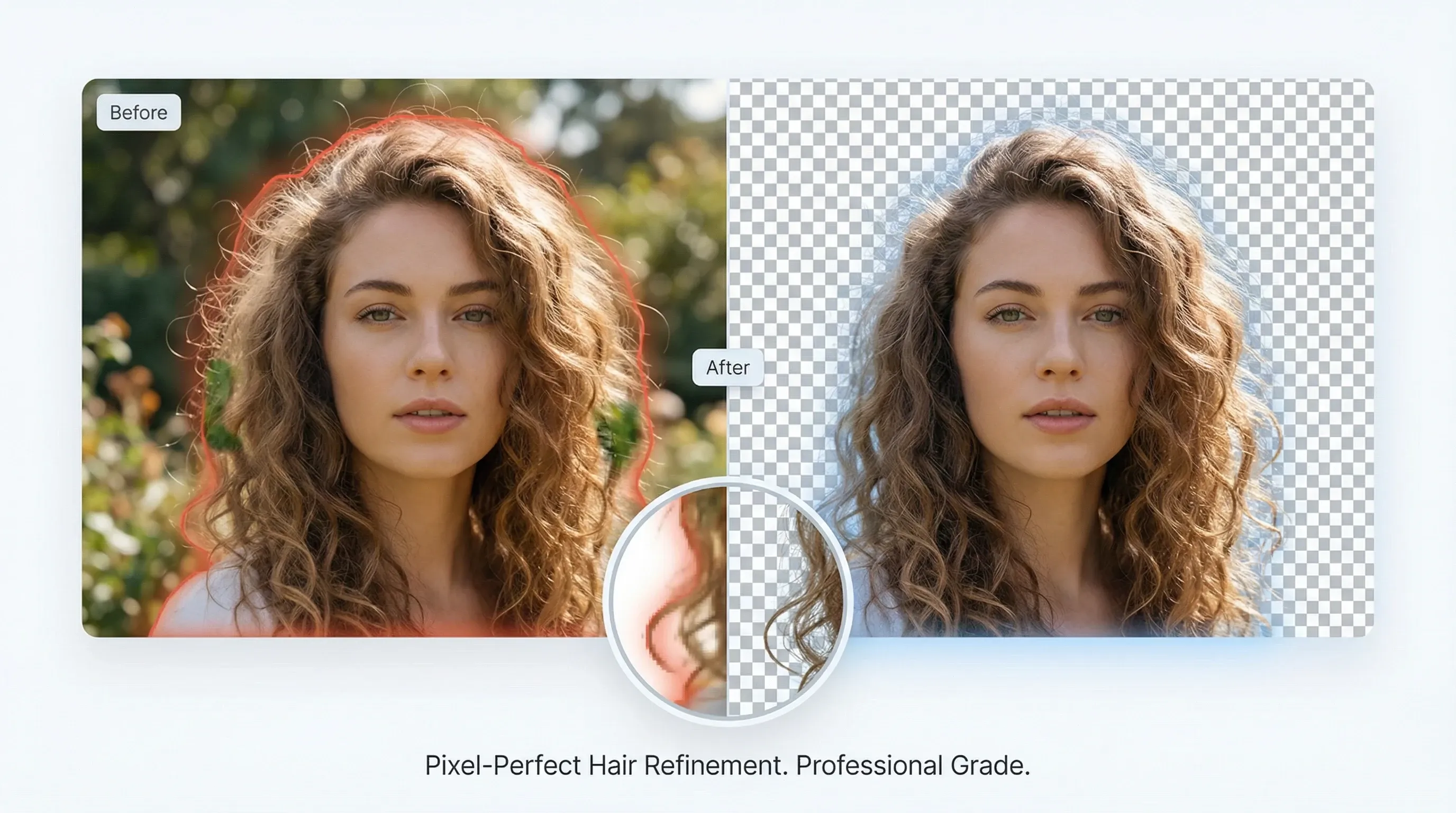
Professional-grade edge refinement

Professional-grade edge refinement

Advanced edge refinement delivers studio-quality alpha mattes that preserve hair and fine details.

Try video matting for free
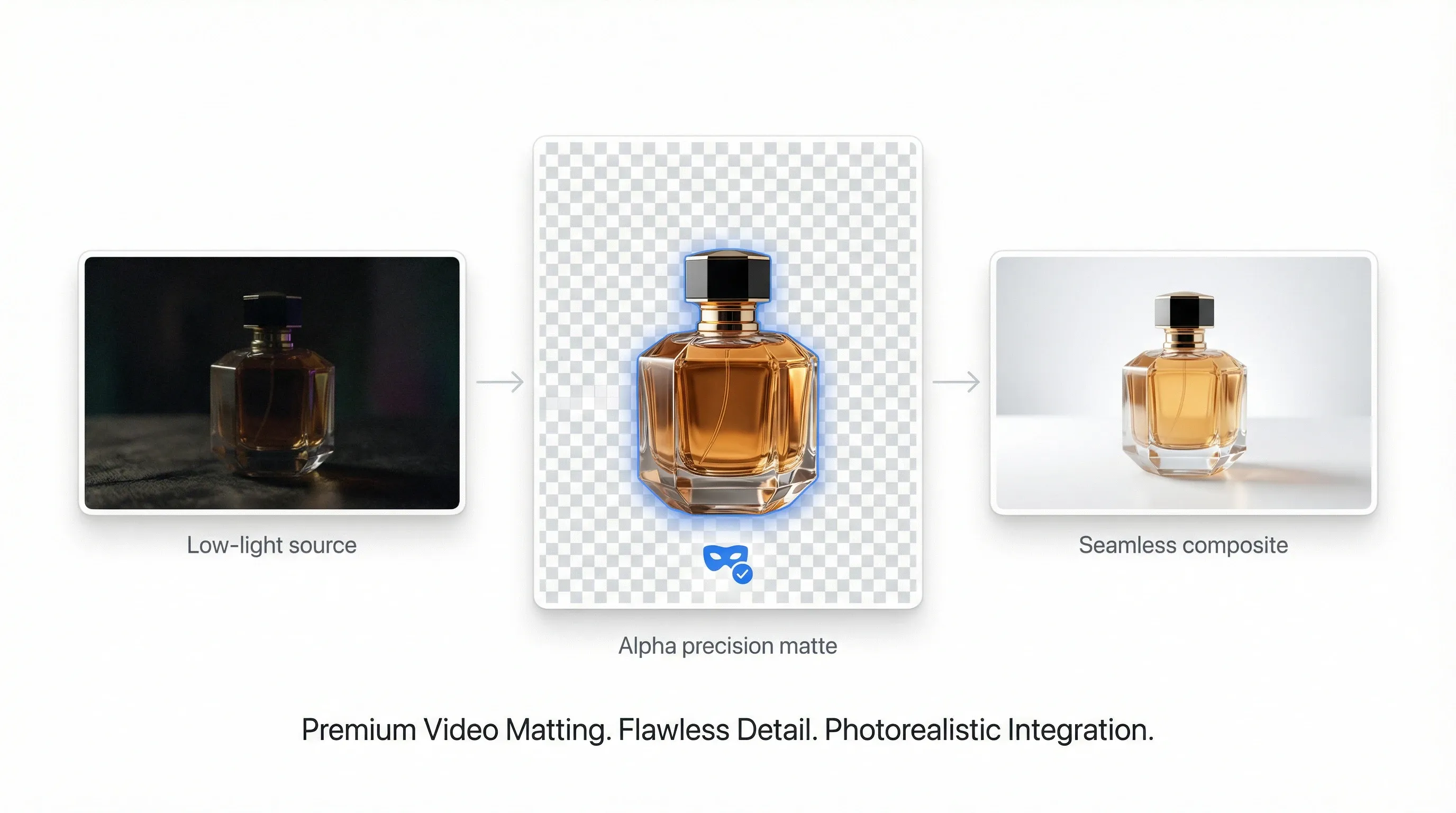
High-precision alpha matting

High-precision alpha matting

Keep subject detail even in low light, reduce noise, and prepare clips for seamless compositing.

Try video matting for free
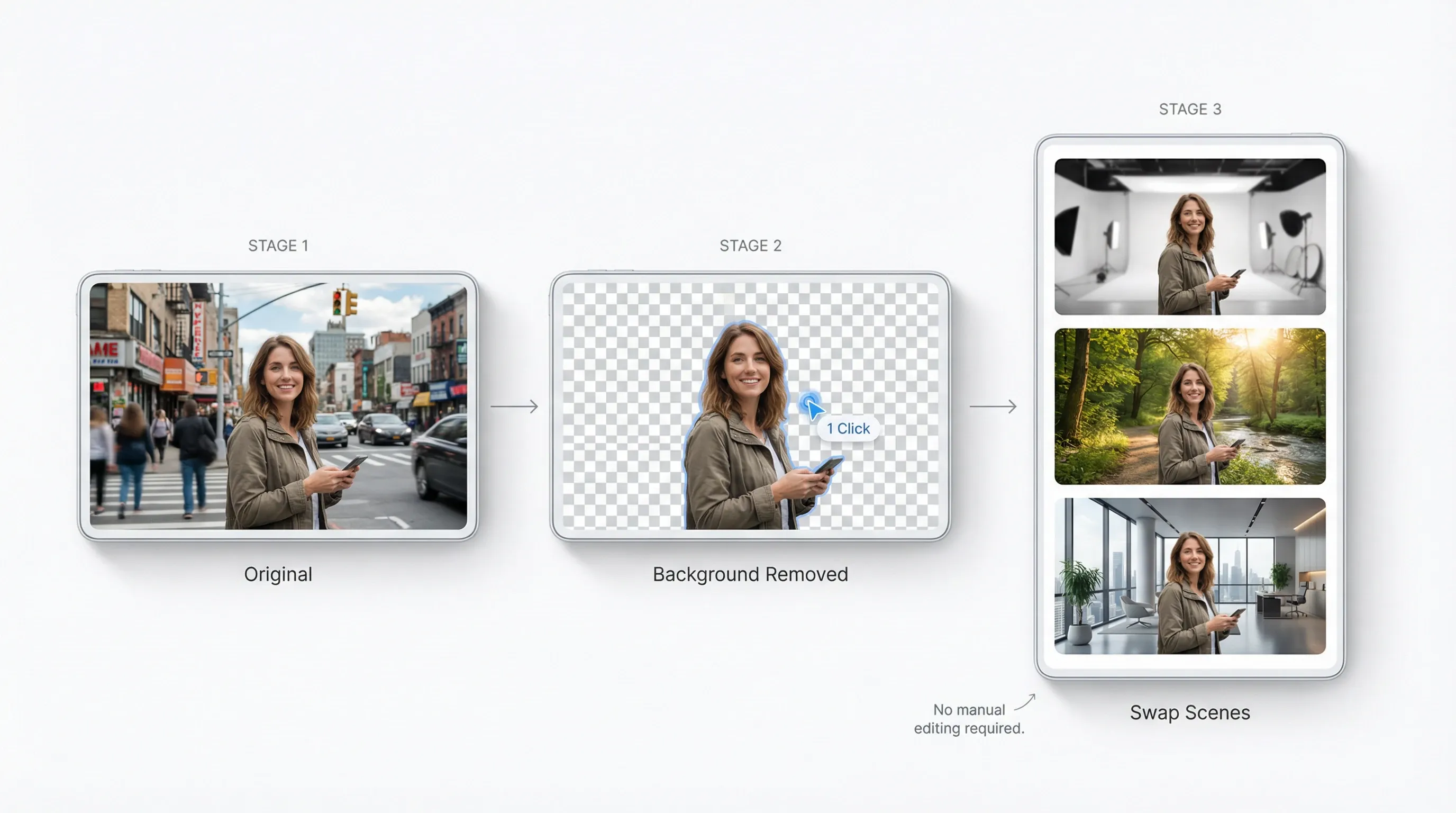
Remove backgrounds without manual editing

Remove backgrounds without manual editing

One-click subject isolation across frames so you can swap scenes and create variants fast.

Try video matting for free
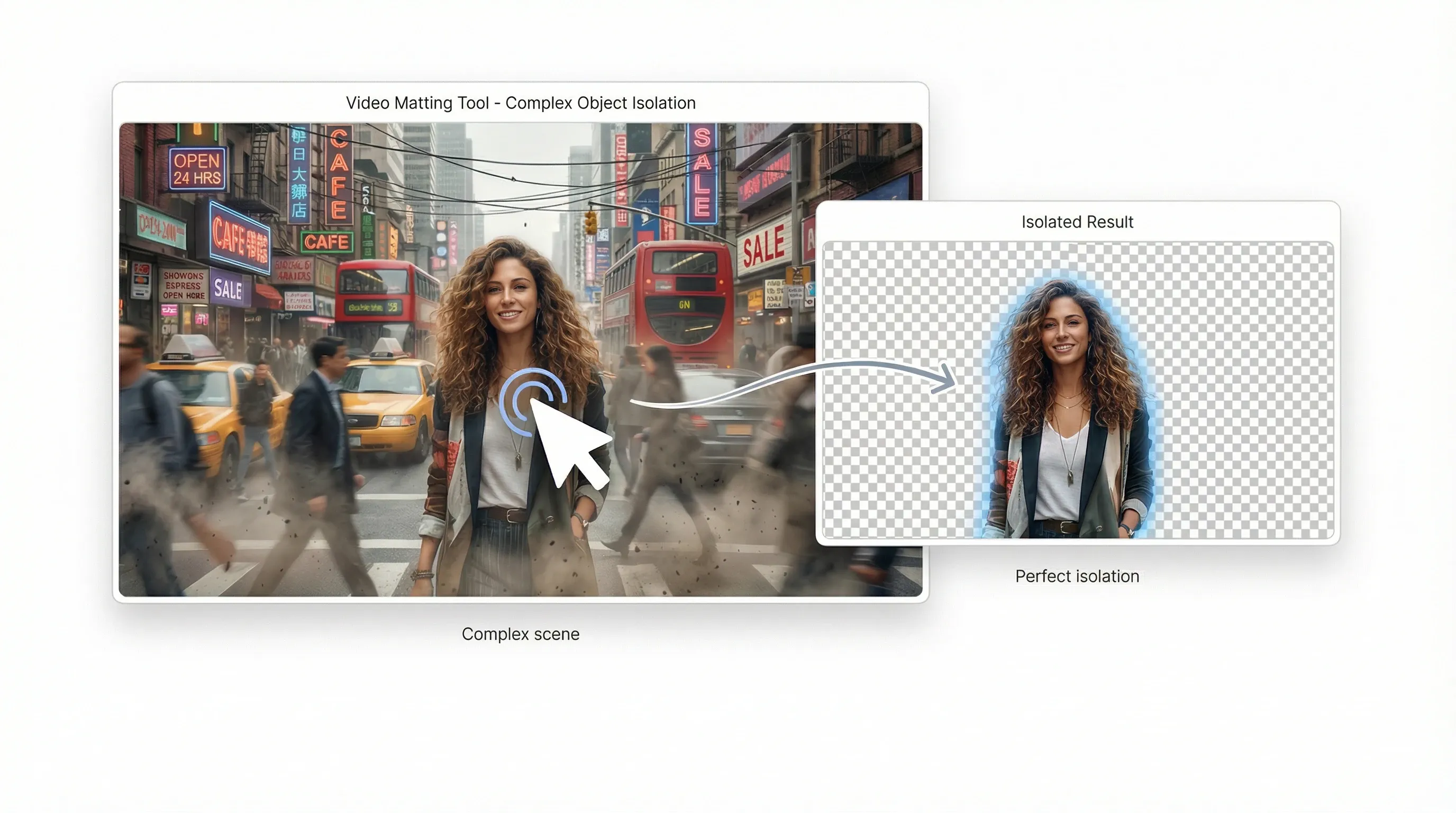
Eliminate editing bottlenecks

Eliminate editing bottlenecks

Automate complex object isolation that used to take hours of manual rotoscoping.

Try video matting for free

AI video matting for every creative idea
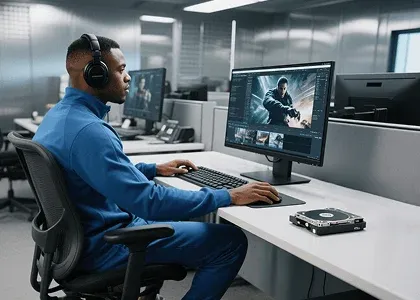
Studio-grade composites without a green screen

Studio-grade composites without a green screen

Separate complex subjects—including hair and fur—into professional alpha mattes in seconds.

How to use video matting?

  1. 1Upload a video, then click any object or area you want to isolate.
  2. 2AI automatically identifies the frame and removes the background.
  3. 3Download the foreground and alpha videos for compositing.
Try video matting for free

Explore more AI creative tools on TikTV AI

Motion graphics
Motion graphics
Video transitions
Video transitions
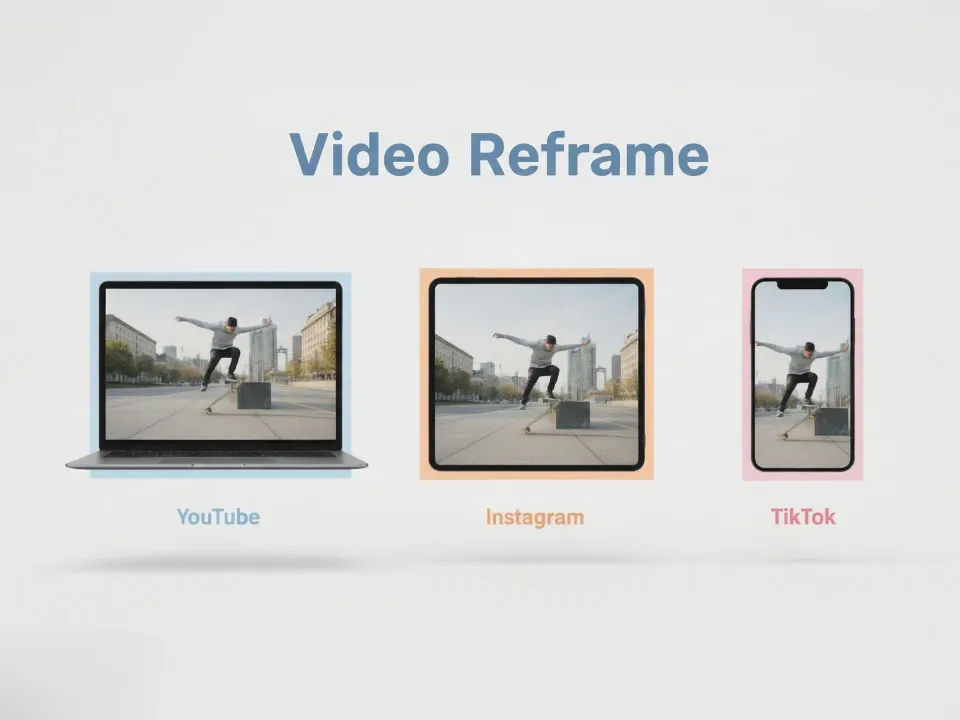
Video reframe
Video reframe
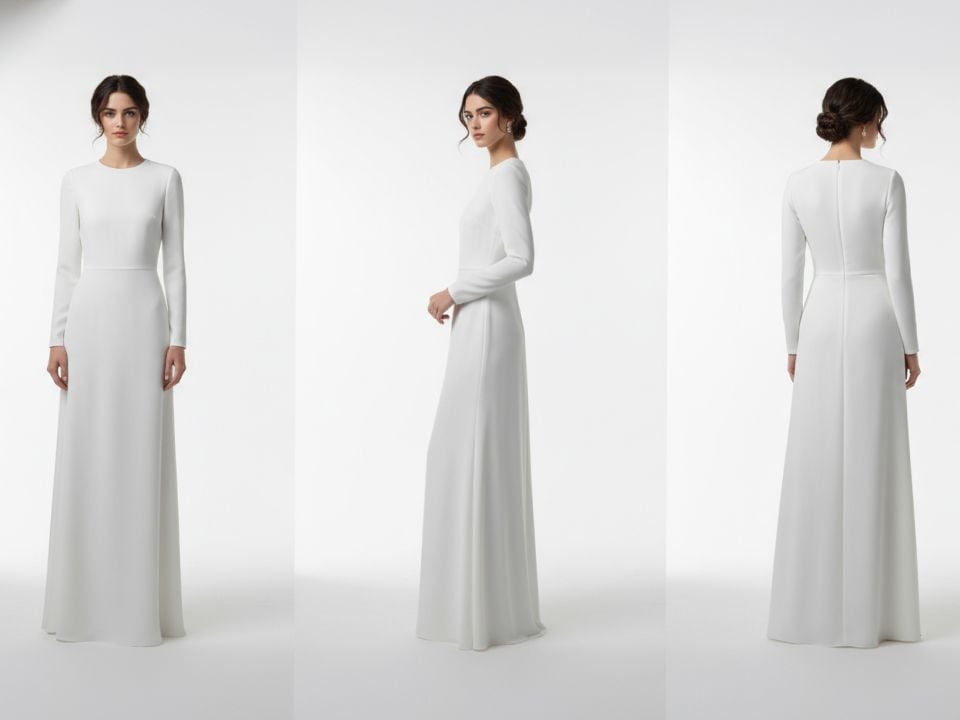
Camera angles
Camera angles

Video matting FAQs

Yes. Free credits let you try key features including background removal and transparency. Buy more for unlimited access.

Use video matting now and cut anything in seconds!

Try video matting for free
Strumenti creativi
Generatore di video AI
Testo in video AI
Immagine in video AI
Riferimento a video
Immagine in avatar video
Editor di video AI
Imitazione del movimento
Video in video AI
Generatore di immagini AI
Immagine in immagine AI
Editor di foto AI
Generatore di voci AI
Strumenti per video AI
Strumenti per immagini AI
Generatori di immagini
LoRAs
Modelli video
Veo 3
Sora 2
Kling 3.0
Seedance 2.0
Kling AI
Hailuo AI
PixVerse AI
Runway
Vidu AI
Luma AI
Wan AI
Hunyuan
Altri modelli
Modelli immagine
GPT Image 2
Nano Banana 2
Recraft
Ideogram
Stable Diffusion
Flux AI
Seedream
Dall-E
Imagen
GPT-4o
Flux Kontext
Qwen Image
Wan AI
Altri modelli
App
Generatore di video virali
Annunci video UGC
Annunci video clonati
Video anime
Video di storia
Video musicale
Video di notizie
Video esplicativo
Video Instagram
Video Facebook
Video B-Roll
Outro YouTube
Video di compleanno
Video tributo
Altre app
Azienda
Chi siamo
Contattaci
Prezzi
API
Registro delle modifiche
Server MCP
  • Migliori strumenti IA
  • Recensioni
  • Tutorial
  • Alternative
  • Approfondimenti sui modelli IA
  • Consigli per i social media
  • Tutti gli articoli
Scarica l'app
Community
Programma per Partner Creativi
Programma di Affiliazione
Politica di Rimborso
Politica sulla Privacy
Termini e Condizioni
TikTV.AI
APK

Italiano

  • English
  • Русский
  • Português
  • 日本語
  • Español
  • ภาษาไทย
  • Italiano
  • Türkçe
  • Deutsch
  • Nederlands
  • Français
  • 한국어
  • Polski
  • العربية
  • Norsk bokmål
  • Dansk
  • Bahasa Indonesia
  • 繁體中文
  • 简体中文

Copyright 2026 TikTV.AI. Tutti i diritti riservati.

Trustscore 4.43500+ recensioni