TikTV.AI
Ana Sayfa
Oluştur
Varlıklar

Üretim

AI Video
Görselden videoyaMetinden videoyaReferanstan videoyaHareketi taklit etVideodan videoyaAI video düzenleyiciVideo yüz değiştirmeVideo yükselticiVideo uzatıcı
AI Görsel
AI görsel oluşturucuGörselden görseleAI fotoğraf düzenleyici
Avatar
Ajan
Akıllı tuval
Araçlar
Efektler
UygulamaAPI
Şimdi Yükselt

Video Matting

Upload video
Try samples
Mark subject
Please upload a video first.

Click the subject you want to cut out, then click “Add mask”.

Click the subject you want to cut out, then click “Add mask”.

Video Matting

Isolate any subject in your video and generate a high-quality matte in one click.
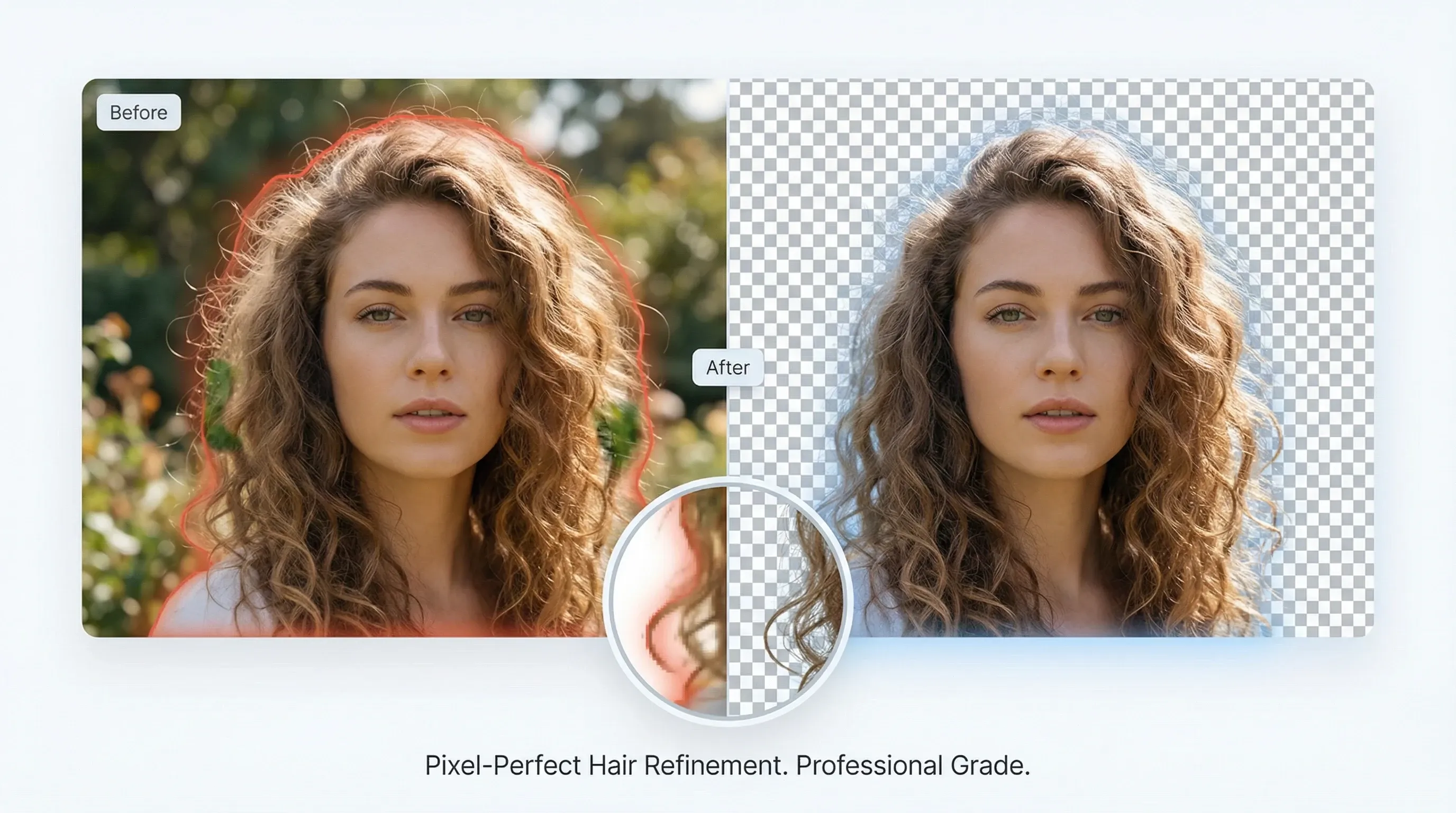
Professional-grade edge refinement

Professional-grade edge refinement

Advanced edge refinement delivers studio-quality alpha mattes that preserve hair and fine details.

Try video matting for free
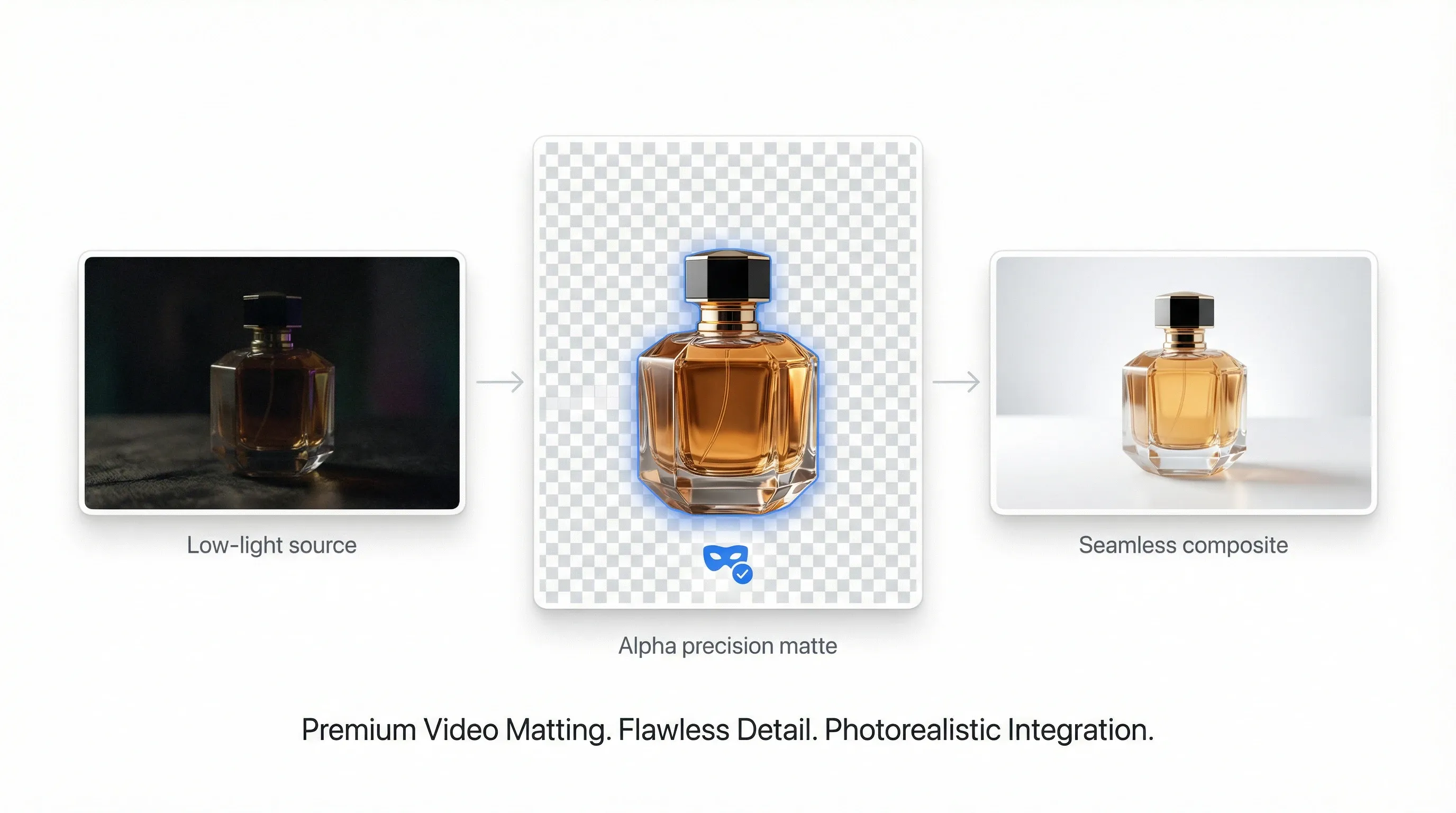
High-precision alpha matting

High-precision alpha matting

Keep subject detail even in low light, reduce noise, and prepare clips for seamless compositing.

Try video matting for free
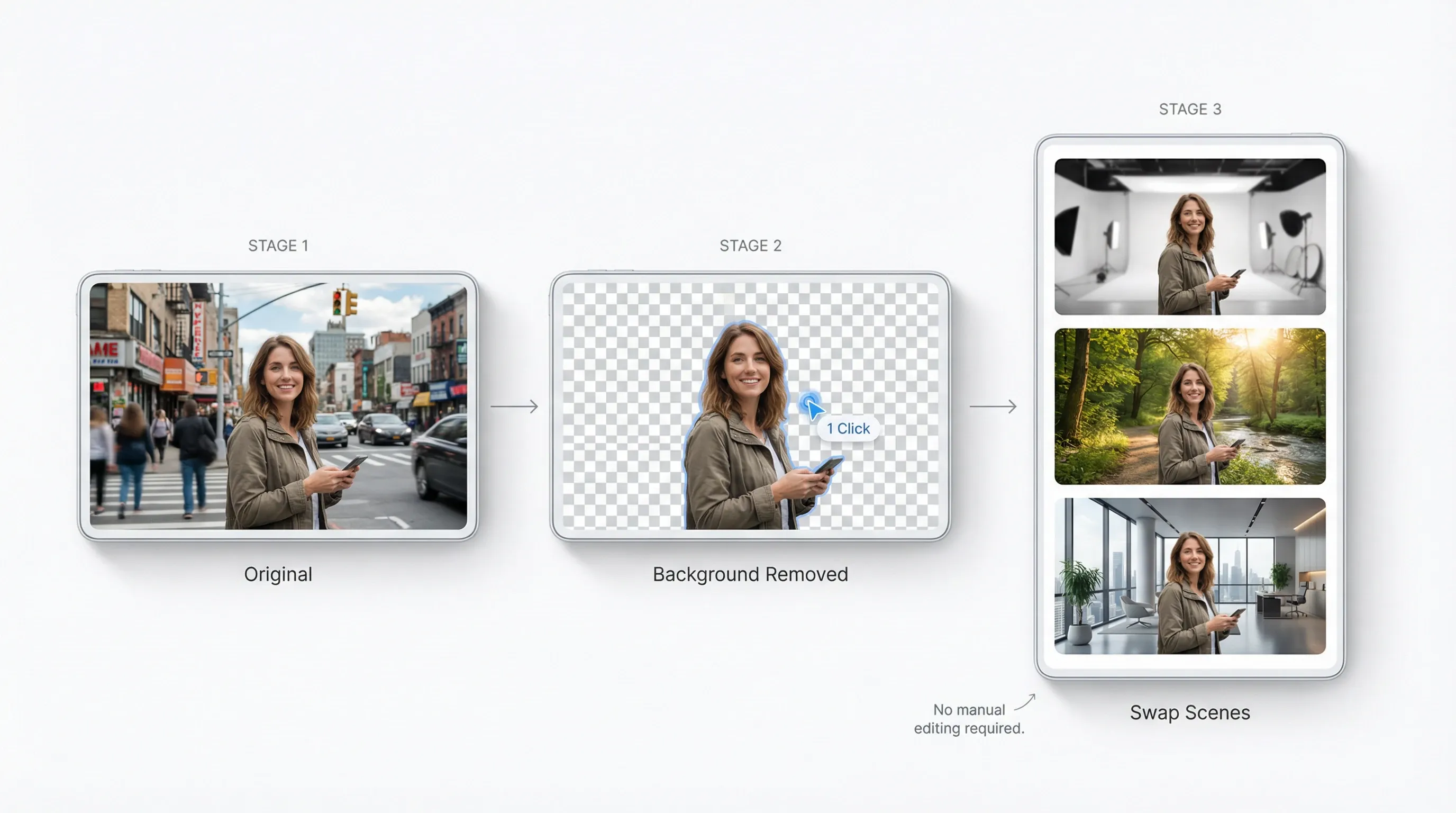
Remove backgrounds without manual editing

Remove backgrounds without manual editing

One-click subject isolation across frames so you can swap scenes and create variants fast.

Try video matting for free
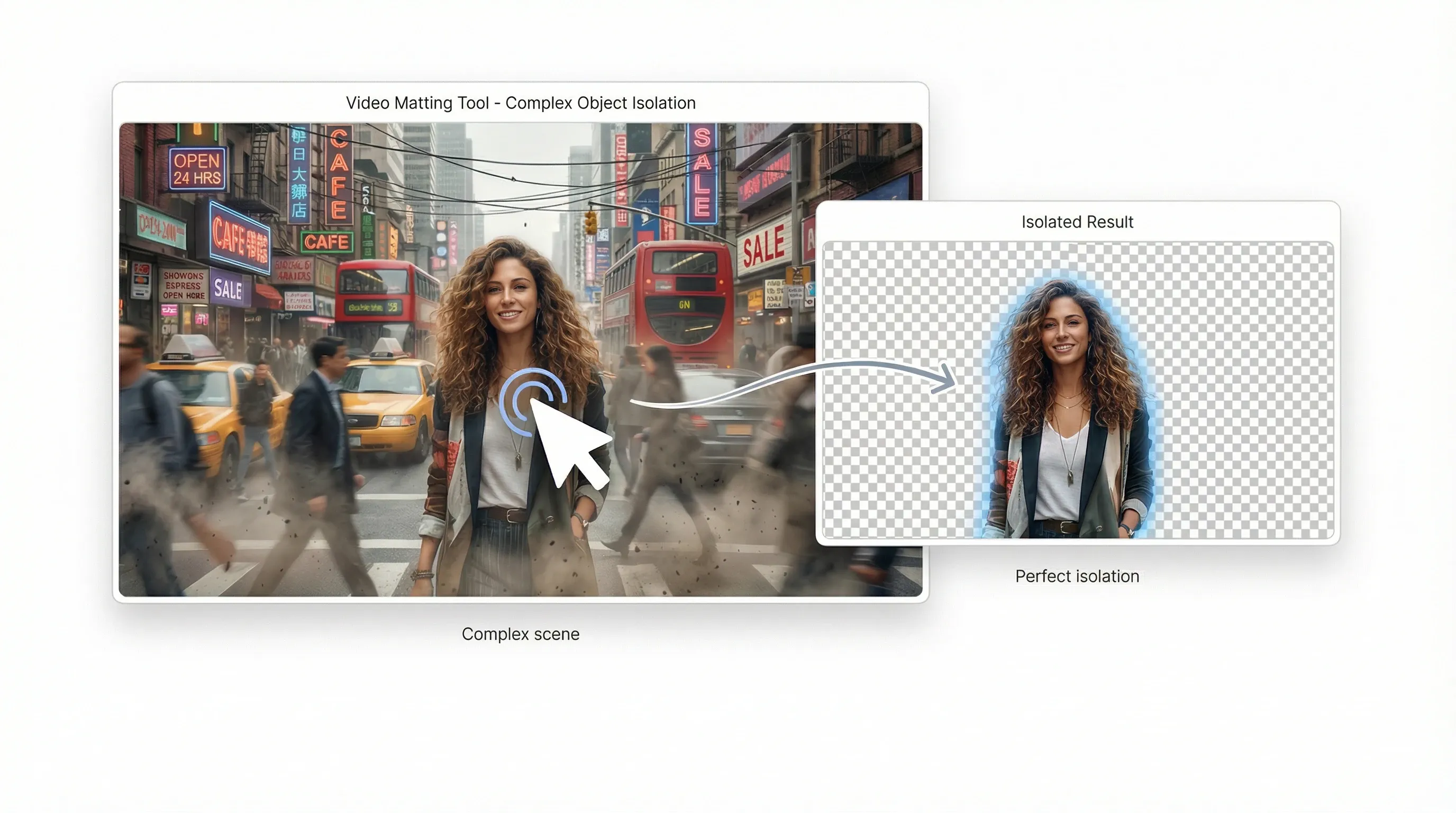
Eliminate editing bottlenecks

Eliminate editing bottlenecks

Automate complex object isolation that used to take hours of manual rotoscoping.

Try video matting for free

AI video matting for every creative idea
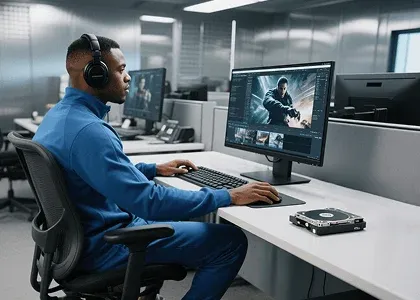
Studio-grade composites without a green screen

Studio-grade composites without a green screen

Separate complex subjects—including hair and fur—into professional alpha mattes in seconds.

How to use video matting?

  1. 1Upload a video, then click any object or area you want to isolate.
  2. 2AI automatically identifies the frame and removes the background.
  3. 3Download the foreground and alpha videos for compositing.
Try video matting for free

Explore more AI creative tools on TikTV AI

Motion graphics
Motion graphics
Video transitions
Video transitions
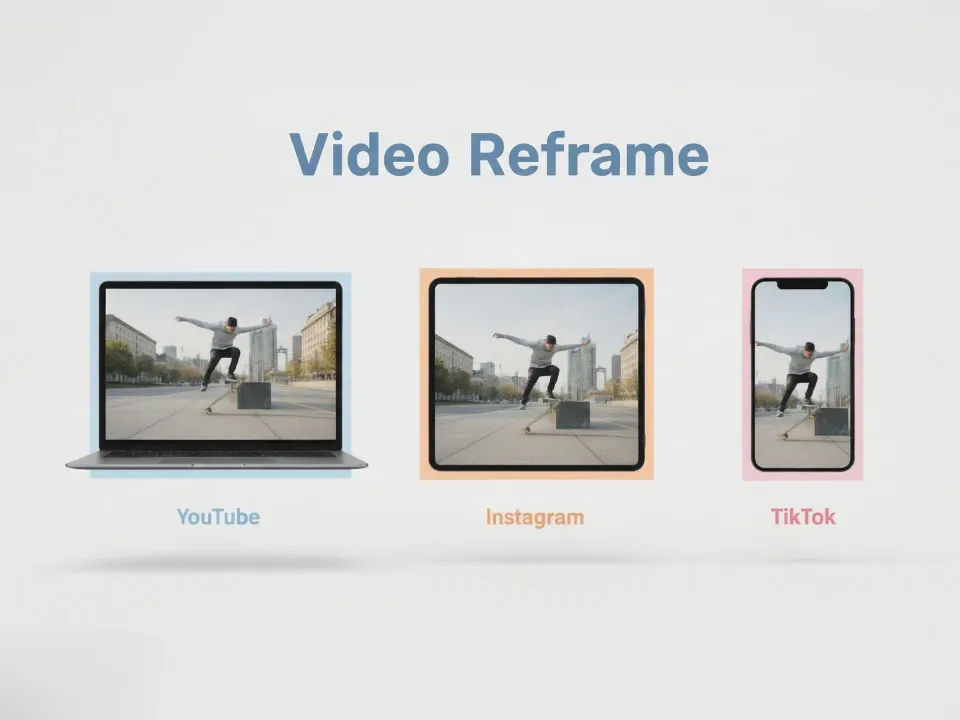
Video reframe
Video reframe
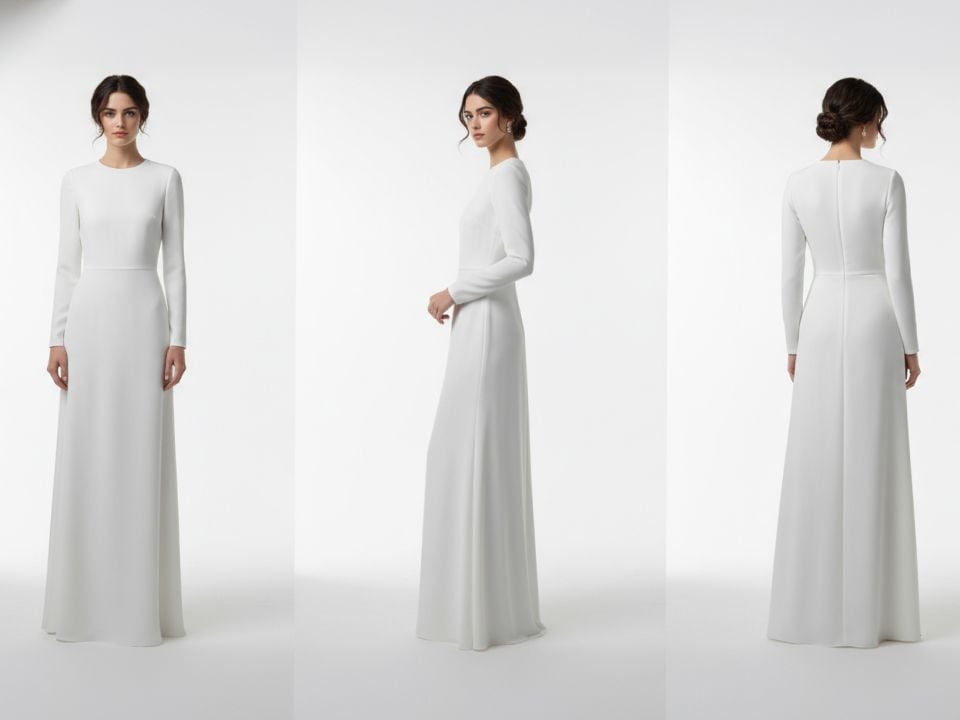
Camera angles
Camera angles

Video matting FAQs

Yes. Free credits let you try key features including background removal and transparency. Buy more for unlimited access.

Use video matting now and cut anything in seconds!

Try video matting for free
Yaratıcı Araçlar
AI Video Oluşturucu
Metin'den Video'ya AI
Resim'den Video'ya AI
Referans'tan Video'ya
Resim'den Video'ya Avatar
AI Video Düzenleyici
Hareket Taklitcisi
Video'dan Video'ya Yapay Zeka
Yapay Zeka Resim Oluşturucu
Resim'den Resime Yapay Zeka
Yapay Zeka Fotoğraf Düzenleyici
Yapay Zeka Ses Oluşturucu
Yapay Zeka Video Araçları
Yapay Zeka Resim Araçları
Resim Oluşturucular
LoRAs
Video Modelleri
Veo 3
Sora 2
Kling 3.0
Seedance 2.0
Kling AI
Hailuo AI
PixVerse AI
Runway
Vidu AI
Luma AI
Wan AI
Hunyuan
Daha Fazla Model
Görsel Modelleri
GPT Image 2
Nano Banana 2
Recraft
Ideogram
Stable Diffusion
Flux AI
Seedream
Dall-E
Imagen
GPT-4o
Flux Kontext
Qwen Image
Wan AI
Daha Fazla Model
Uygulamalar
Viraller Video Oluşturucu
Kullanıcı Üretilmiş Video Reklamları
Klon Video Reklamları
Anime Video
Hikaye Video
Müzik Video
Haber Video
Açıklayıcı Video
Instagram Video
Facebook Video
B-Roll Video
YouTube Son Ekranı
Doğum Günü Video
Ödül Video
Daha Fazla Uygulama
Şirket
Hakkımızda
Bize Ulaşın
Fiyatlandırma
API
Değişiklik Kaydı
MCP Sunucusu
  • En iyi yapay zeka araçları
  • İncelemeler
  • Eğitimler
  • Alternatifler
  • YZ modeli içgörüleri
  • Sosyal medya ipuçları
  • Tüm makaleler
Uygulamayı İndir
Topluluk
Yaratıcı Ortak Programı
Ortaklık Programı
İade Politikası
Gizlilik Politikası
Şartlar ve Koşullar
TikTV.AI
APK

Türkçe

  • English
  • Русский
  • Português
  • 日本語
  • Español
  • ภาษาไทย
  • Italiano
  • Türkçe
  • Deutsch
  • Nederlands
  • Français
  • 한국어
  • Polski
  • العربية
  • Norsk bokmål
  • Dansk
  • Bahasa Indonesia
  • 繁體中文
  • 简体中文

Copyright 2026 TikTV.AI. Tüm hakları saklıdır.

Trustscore 4.43500+ yorum