Google Flow AI 视频生成器
Flow是一款基于 Veo 技术的视频生成器,专为电影级创作而设计。它具备帧转视频、预设风格和场景式编辑功能,可确保镜头间输出的一致性。如需更全面的内容创作体验,不妨试试TikTV AI ,它能提供更快、更灵活的工作流程。
Key Features of Flow AI Video Generator
Frame-Guided Scene Generation: Generate sequences from start and end frames while keeping subjects consistent and stable.Asset-Driven Creation & Style Presets: Define characters and elements upfront, then apply preset styles for fast visual control.Built-In Prompt Learning Hub: Browse real generated videos with prompts and settings to learn and replicate results.Timeline-Based Scene Editing: Extend clips and combine shots into structured, multi-scene videos.
Frame-Guided Scene Generation
Flow AI gives you tighter control over motion flow and scene transitions, helping reduce unexpected shifts and produce more stable, coherent sequences.
| Prompt | Output Video |
| A smooth forward camera push toward the Eiffel Tower, transitioning seamlessly into a close-up of a French baguette, then naturally shifting to a woman enjoying coffee by the Seine River. Cinematic transitions, soft lighting, cohesive storytelling. |
Asset-Driven Creation & Style Presets
By structuring key assets in advance, you can reuse them across scenes, ensuring visual consistency while saving time on rebuilding each shot.
| Prompt | Output Video |
| Create a Marvel-style cinematic video featuring a consistent character: a boy wearing black Batman-style glasses, pink hair, a red cape, a rose-embroidered T-shirt, denim shorts, and canvas sneakers. Dynamic hero scenes, dramatic lighting, action-oriented shots, maintaining character consistency throughout. |
Built-In Prompt Learning Hub
It functions as a practical reference system, helping users quickly understand what works, reduce trial-and-error, and reach high-quality results faster.
| Prompt | Example Video |
| A golden retriever running in small, steady steps. The scene transitions smoothly from a green lawn to a sunset beach, then to a snowy landscape. Maintain consistent appearance of the dog across all scenes, with natural environmental transitions and cinematic flow. |
Timeline-Based Scene Editing
This makes it possible to build longer narratives and refine pacing, giving you more control over storytelling instead of relying on isolated outputs.
| Input Video | Output Video |
What’s More?
Example-Driven Video Creation
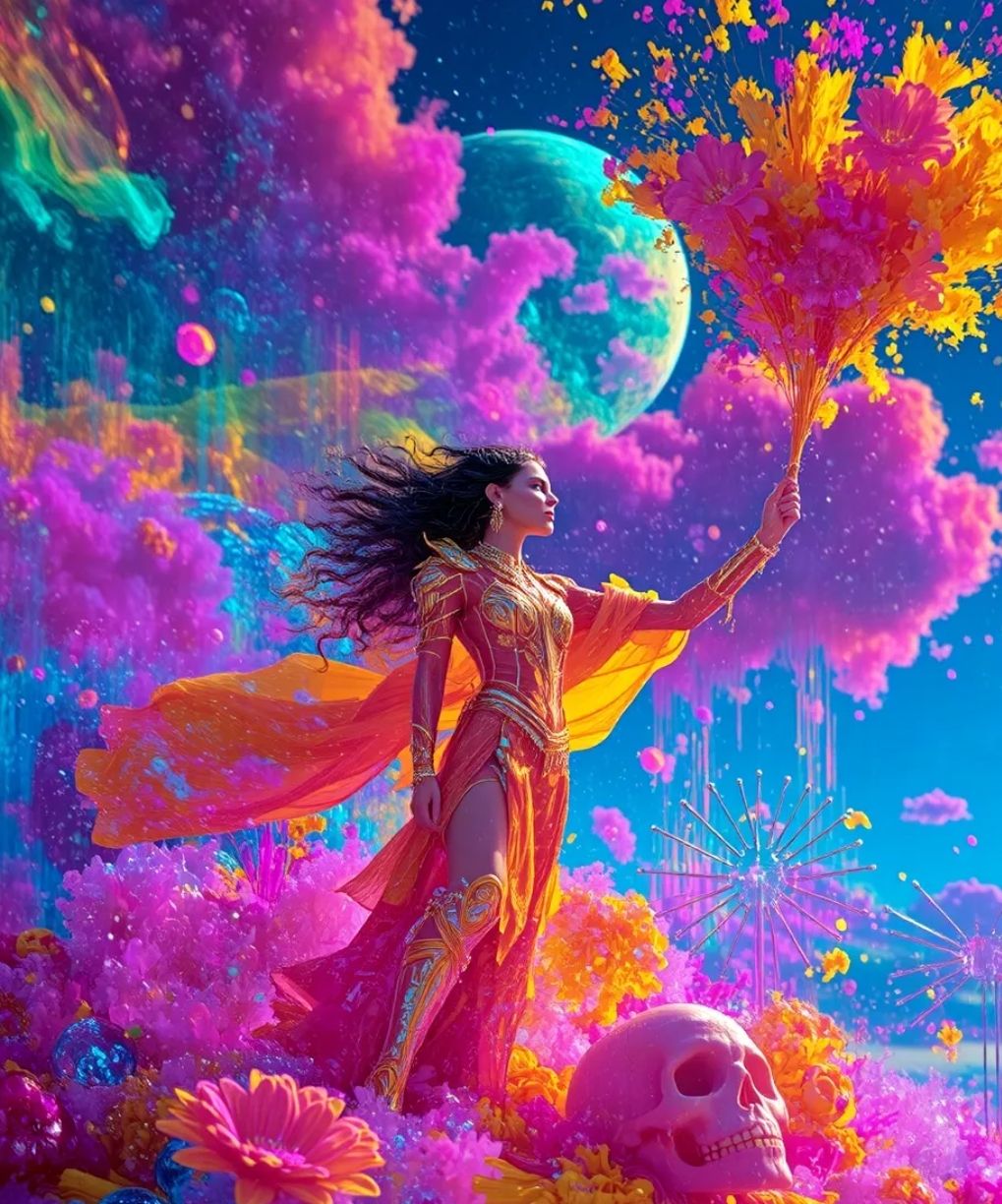
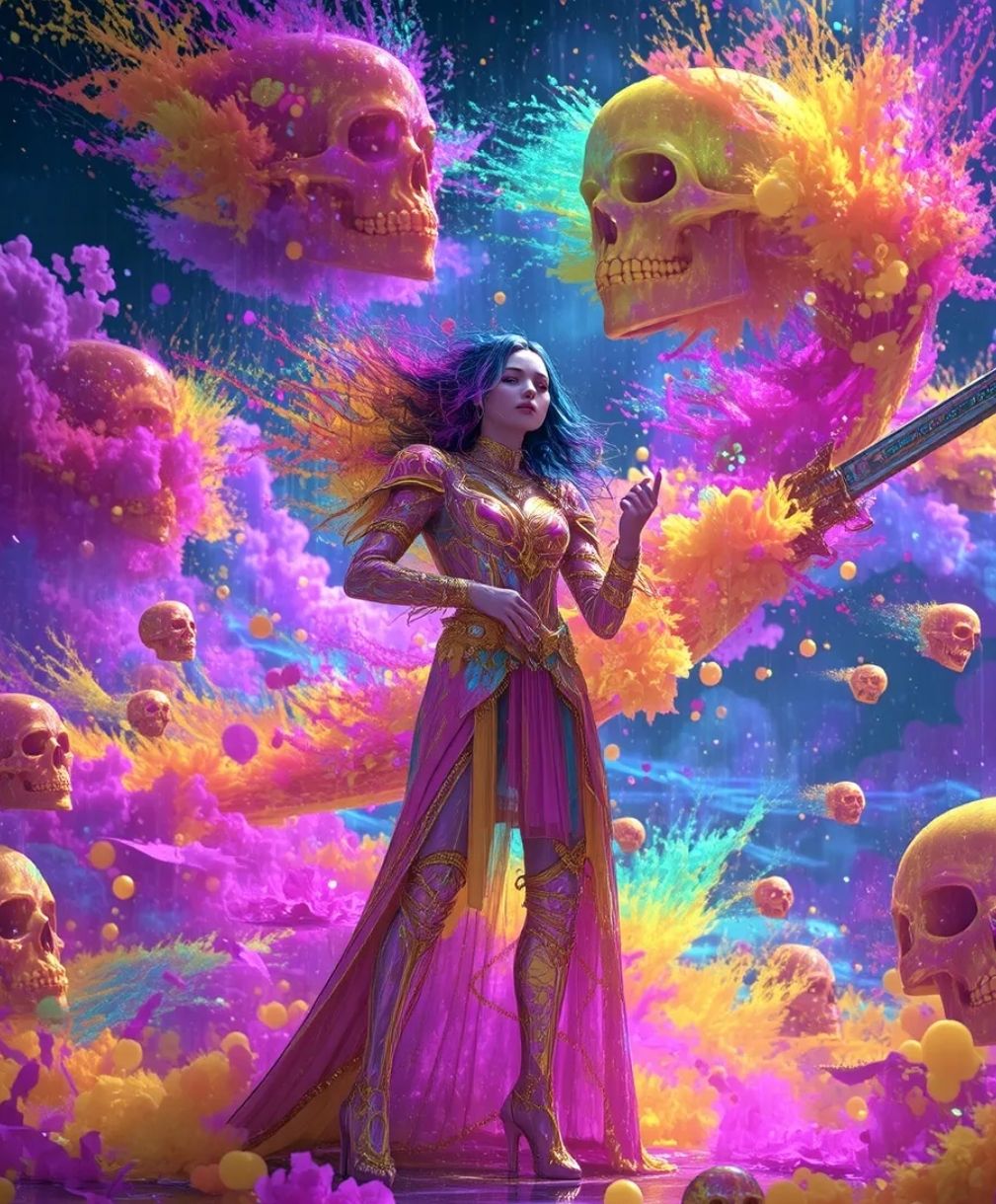
Flow AI includes a discovery-style gallery where users can explore finished videos along with their generation setups.
Instead of starting from scratch, you can reference proven outputs and adapt them to your own ideas. This lowers the learning curve and helps speed up the path to high-quality results.
| Reference Image | Output Image |
 |
 |
Cinematic Output Quality
Flow AI focuses on producing film-like visuals with controlled lighting, depth, and atmosphere.
The generated results often resemble professionally shot footage, making it suitable for storytelling, ads, and high-end visual content without heavy post-production.
Real-World Use Cases of Flow AI
Independent Filmmakers & Creators
Produce cinematic scenes, storyboards, and concept videos without large crews or expensive equipment, making visual storytelling more accessible.
Social Media Creators & Influencers
Quickly generate trend-driven videos, promotional clips, or narrative content designed to capture attention and boost engagement.
Educators & Online Course Creators
Turn complex topics into visual explanations, helping create more engaging lessons, tutorials, and educational content.
Marketing & Advertising Professionals
Create multiple ad variations, campaign visuals, and branded video content faster, enabling quicker testing and iteration.
What Powers Flow AI Video Generation
Flow AI is built on a stack of generative models that coordinate video creation from concept to final output.
Veo for Motion & Video Synthesis
Veo powers the generation of dynamic video sequences, handling movement, scene progression, and visual refinement to deliver more cohesive and production-ready clips.
Imagen for Scene & Asset Generation
Imagen is used to construct the visual components within each scene, including environments and characters, providing the visual groundwork before animation.
Gemini for Intent Interpretation & Scene Coherence
Gemini translates prompts into structured creative direction, aligning tone, context, and transitions to ensure the overall narrative flows naturally.
Flow vs Higgsfield vs SeaArt: Features Comparison
| Features | Flow | Higgsfield | SeaArt |
| Model Approach | Veo-based | Multi-model | Multi-model |
| Motion Style | Cinematic | Dynamic / VFX | Model-dependent |
| Scene Workflow | Multi-scene | Short clips | Limited |
| Control Method | Frames + assets | References | Prompt-based |
| Editing Tools | Scene + expand | VFX + lip sync | Basic remix |
| Best For | Storytelling | Social videos | Creative testing |
Flow AI stands out for structured, cinematic video creation with multi-scene workflows and consistent outputs.
In comparison, Higgsfield is more focused on dynamic, short-form visuals, while SeaArt leans toward multi-model experimentation rather than dedicated video production.
Flow AI 视频生成器的主要功能
帧引导场景生成:从起始帧和结束帧生成序列,同时保持主体一致和稳定。
基于素材的创作与风格预设:预先定义角色和元素,然后应用预设样式以实现快速视觉控制。
内置提示学习中心:浏览带有提示和设置的真实生成视频,学习并复现结果。
基于时间轴的场景编辑:将片段延长并组合成结构化的多场景视频。
帧引导场景生成
Flow AI 可让您更精确地控制运动流程和场景转换,从而减少意外变化,并生成更稳定、更连贯的序列。
基于素材的创作与风格预设
通过预先构建关键素材,您可以在不同场景中重复使用它们,从而确保视觉一致性,同时节省重新构建每个镜头的时间。
内置提示学习中心
它作为一个实用的参考系统,帮助用户快速了解哪些方法有效,减少试错,更快地获得高质量的结果。
基于时间线的场景编辑
Flow使构建更长的叙事和改进节奏成为可能,让您更好地控制故事讲述,而不是依赖于孤立的输出。
还有什么?
Flow AI 包含一个探索式图库,用户可以在其中浏览已完成的视频及其生成设置。
与其从零开始,不如参考已有的成功案例,并将其融入到自己的想法中。这可以降低学习难度,并有助于更快地获得高质量的成果。
Flow AI 专注于通过控制光照、景深和氛围来制作电影般的视觉效果。
生成的视频效果往往与专业拍摄的视频素材相似,因此无需大量的后期制作即可用于讲故事、广告和高端视觉内容。
Flow AI 的实际应用案例
创作者无需庞大的团队或昂贵的设备即可制作电影场景、故事板和概念视频,使视觉叙事更加普及。
Flow帮助网红快速生成以吸引眼球和提升互动为目标的潮流视频、宣传短片或叙事内容。
教育工作者可以将复杂的主题转化为可视化的解释,从而帮助创建更具吸引力的课程、教程和教育内容。
营销团队使用Flow AI 更快地创建多个广告变体、广告系列视觉效果和品牌视频内容,从而实现更快的测试和迭代。
Flow AI 视频生成技术如何驱动视频生成
Flow AI 构建于一系列生成模型之上,这些模型协调从概念到最终输出的视频创作过程。
Veo能够生成动态视频序列,处理运动、场景推进和视觉优化,从而提供更连贯、更适合制作的视频片段。
Imagen用于构建每个场景中的视觉组件,包括环境和角色,为动画制作提供视觉基础。
Gemini将提示转化为结构化的创意方向,协调语气、背景和过渡,以确保整体叙事自然流畅。
Flow 、 Higgsfield和 SeaArt:功能对比
Flow AI 以其结构化、电影化的视频创作、多场景工作流程和一致的输出而脱颖而出。
相比之下, Higgsfield更注重动态的短视频,而 SeaArt 则倾向于多模型实验,而不是专门的视频制作。

TikTV AI 的优势所在
使用TikTV Agent 生成可直接发布的视频
从一个想法、链接或素材开始,即可获得一个结构完整、可直接发布的视频,其中节奏、流程和场景都已安排妥当——无需编辑。
视频优化专用工具
从去除字幕到润饰视觉元素,专业工具可帮助您快速清理和优化视频,而无需重新进行复杂的编辑工作流程。
用于UGC内容的灵活AI虚拟形象
使用灵活的头像、多种语言和不同的语气生成用户生成UGC的对话视频,从而可以轻松地在 TikTok、Reels 等平台上制作和分发内容。
在TikTV AI上发现其他强大的 AI 视频生成器
常见问题解答
Flow AI视频生成器是什么?
Flow AI 是一款电影级视频生成工具,它采用Veo等模型。它使用户能够创建具有一致视觉效果、场景过渡和故事叙述工作流程的结构化视频序列。
Flow AI 与其他视频生成器有何不同?
Flow AI 专注于结构化视频创作,提供帧引导生成、场景构建和多镜头工作流程等功能,而不仅仅是单个视频输出。
我可以使用Flow AI 创建哪些类型的视频?
Flow AI 适用于电影叙事、社交媒体内容、营销视频、教育材料和概念可视化。
Flow AI是否支持角色和场景的一致性?
Flow AI 旨在通过在整个生成过程中控制素材、帧和场景结构来保持镜头之间的视觉一致性。
Flow AI适合初学者吗?
是的。虽然它提供了高级控制功能,但预设和基于参考的工作流程等功能使初学者更容易上手创建结构化视频。
立即使用TikTV AI创建电影级视频