
Google Flow AI Video Generator
Flow is a Veo-powered video generator built for cinematic creation. With Frames to Video, preset styles, and scene-based editing, it enables more consistent outputs across shots. Try Flow-style video creation on TikTV.AI for a faster, more flexible workflow.
Key Features of Flow AI Video Generator
Frame-Guided Scene Generation: Generate sequences from start and end frames while keeping subjects consistent and stable.Asset-Driven Creation & Style Presets: Define characters and elements upfront, then apply preset styles for fast visual control.Built-In Prompt Learning Hub: Browse real generated videos with prompts and settings to learn and replicate results.Timeline-Based Scene Editing: Extend clips and combine shots into structured, multi-scene videos.
Frame-Guided Scene Generation
Flow AI gives you tighter control over motion flow and scene transitions, helping reduce unexpected shifts and produce more stable, coherent sequences.
| Prompt | Output Video |
| A smooth forward camera push toward the Eiffel Tower, transitioning seamlessly into a close-up of a French baguette, then naturally shifting to a woman enjoying coffee by the Seine River. Cinematic transitions, soft lighting, cohesive storytelling. |
Asset-Driven Creation & Style Presets
By structuring key assets in advance, you can reuse them across scenes, ensuring visual consistency while saving time on rebuilding each shot.
| Prompt | Output Video |
| Create a Marvel-style cinematic video featuring a consistent character: a boy wearing black Batman-style glasses, pink hair, a red cape, a rose-embroidered T-shirt, denim shorts, and canvas sneakers. Dynamic hero scenes, dramatic lighting, action-oriented shots, maintaining character consistency throughout. |
Built-In Prompt Learning Hub
It functions as a practical reference system, helping users quickly understand what works, reduce trial-and-error, and reach high-quality results faster.
| Prompt | Example Video |
| A golden retriever running in small, steady steps. The scene transitions smoothly from a green lawn to a sunset beach, then to a snowy landscape. Maintain consistent appearance of the dog across all scenes, with natural environmental transitions and cinematic flow. |
Timeline-Based Scene Editing
This makes it possible to build longer narratives and refine pacing, giving you more control over storytelling instead of relying on isolated outputs.
| Input Video | Output Video |
What’s More?
Example-Driven Video Creation
Flow AI includes a discovery-style gallery where users can explore finished videos along with their generation setups.
Instead of starting from scratch, you can reference proven outputs and adapt them to your own ideas. This lowers the learning curve and helps speed up the path to high-quality results.
| Reference Image | Output Image |
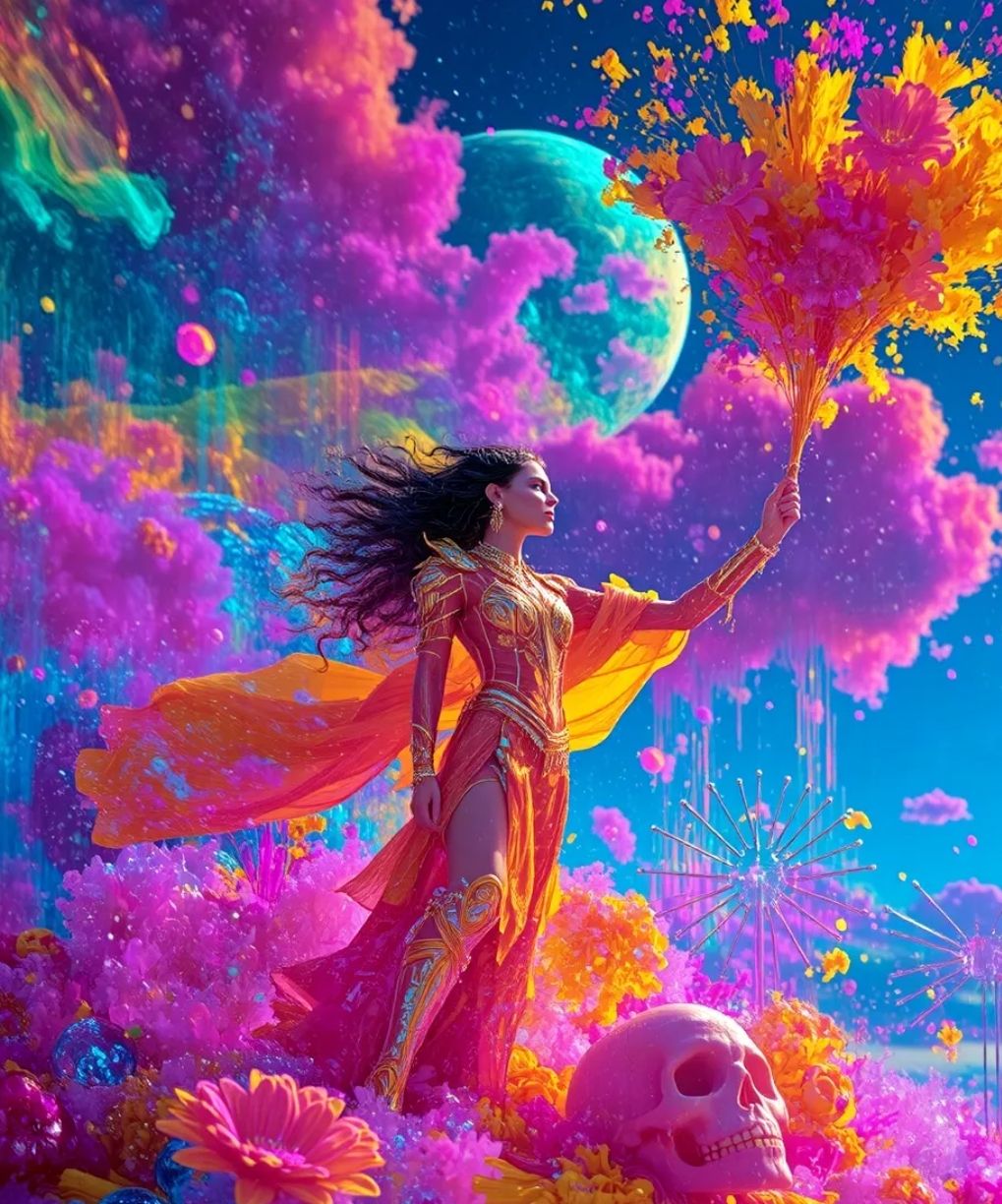 |
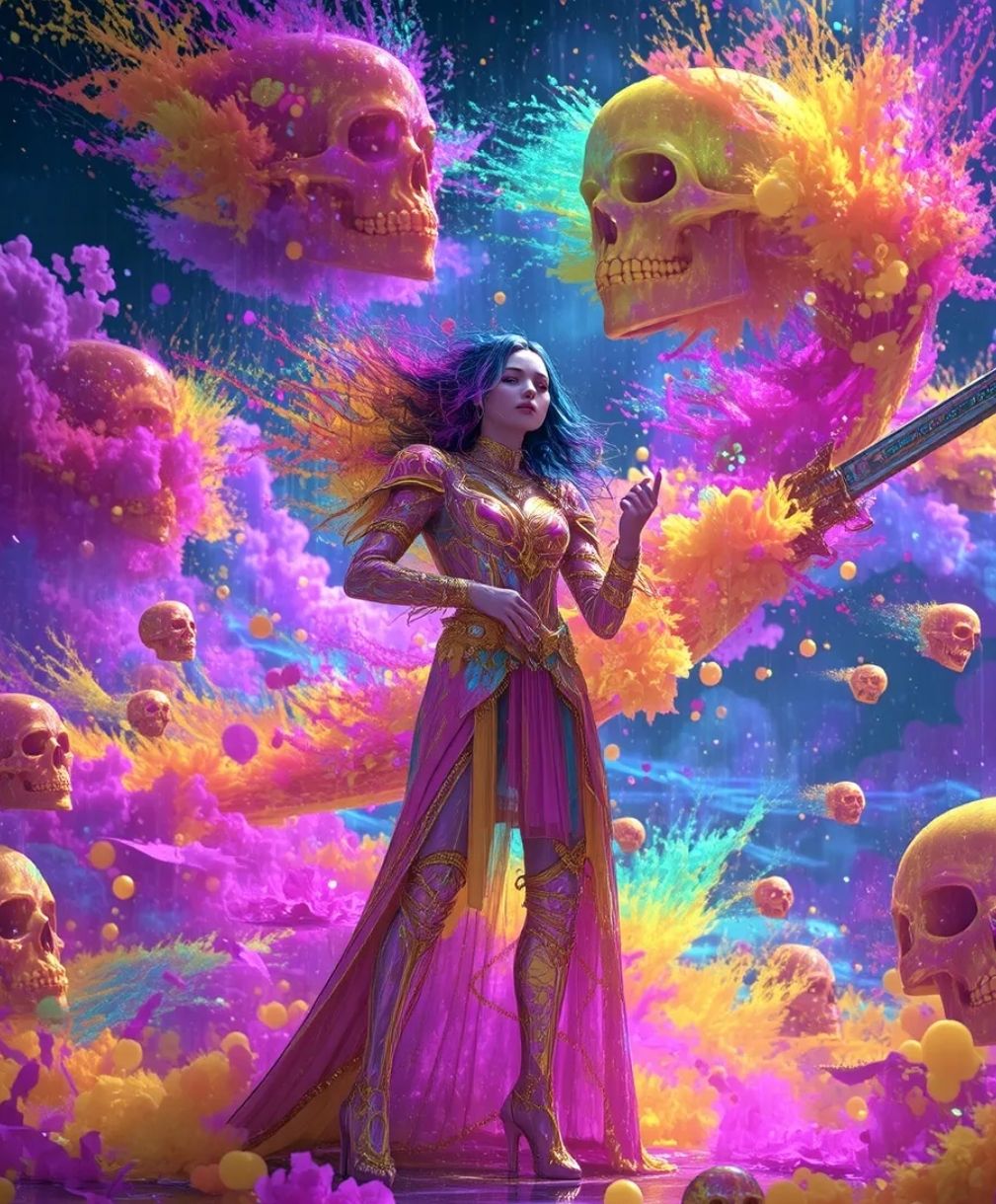 |
Cinematic Output Quality
Flow AI focuses on producing film-like visuals with controlled lighting, depth, and atmosphere.
The generated results often resemble professionally shot footage, making it suitable for storytelling, ads, and high-end visual content without heavy post-production.
Real-World Use Cases of Flow AI
Independent Filmmakers & Creators
Produce cinematic scenes, storyboards, and concept videos without large crews or expensive equipment, making visual storytelling more accessible.
Social Media Creators & Influencers
Quickly generate trend-driven videos, promotional clips, or narrative content designed to capture attention and boost engagement.
Educators & Online Course Creators
Turn complex topics into visual explanations, helping create more engaging lessons, tutorials, and educational content.
Marketing & Advertising Professionals
Create multiple ad variations, campaign visuals, and branded video content faster, enabling quicker testing and iteration.
What Powers Flow AI Video Generation
Flow AI is built on a stack of generative models that coordinate video creation from concept to final output.
Veo for Motion & Video Synthesis
Veo powers the generation of dynamic video sequences, handling movement, scene progression, and visual refinement to deliver more cohesive and production-ready clips.
Imagen for Scene & Asset Generation
Imagen is used to construct the visual components within each scene, including environments and characters, providing the visual groundwork before animation.
Gemini for Intent Interpretation & Scene Coherence
Gemini translates prompts into structured creative direction, aligning tone, context, and transitions to ensure the overall narrative flows naturally.
Flow vs Higgsfield vs SeaArt: Features Comparison
| Features | Flow | Higgsfield | SeaArt |
| Model Approach | Veo-based | Multi-model | Multi-model |
| Motion Style | Cinematic | Dynamic / VFX | Model-dependent |
| Scene Workflow | Multi-scene | Short clips | Limited |
| Control Method | Frames + assets | References | Prompt-based |
| Editing Tools | Scene + expand | VFX + lip sync | Basic remix |
| Best For | Storytelling | Social videos | Creative testing |
Flow AI stands out for structured, cinematic video creation with multi-scene workflows and consistent outputs.
In comparison, Higgsfield is more focused on dynamic, short-form visuals, while SeaArt leans toward multi-model experimentation rather than dedicated video production.
How to Use the Flow AI Video Generator on TikTV.AI
FAQs
What is the Flow AI video generator?
Flow AI is a cinematic video generation tool powered by models like Veo. It enables users to create structured video sequences with consistent visuals, scene transitions, and storytelling workflows.
Is Flow AI free to use?
You can try Flow-style video generation on TikTV.AI with a free trial. This gives you access to core features with limited credits before upgrading for more usage.
What makes Flow AI different from other video generators?
Flow AI focuses on structured video creation, offering features like frame-guided generation, scene building, and multi-shot workflows rather than just single video outputs.
What kind of videos can I create with Flow AI?
Flow AI is suitable for cinematic storytelling, social media content, marketing videos, educational materials, and concept visualization.
Does Flow AI support consistent characters and scenes?
Flow AI is designed to maintain visual consistency across shots by controlling assets, frames, and scene structure throughout the generation process.
Is Flow AI suitable for beginners?
Yes. While it offers advanced controls, features like presets and reference-based workflows make it easier for beginners to start creating structured videos.