TikTV.AI
Agent
Apps

Marketerzy

Reklamy wideo UGCWideo produktuKlonuj reklamy wideoWideo reklamowe na FacebookaWideo z opinią

Media społecznościowe

Klonuj viralowe wideoWideo z celebrytąOutro YouTubeWideo bez twarzyWideo tańczącej dziewczyny

Tworzenie filmów

Wideo boomerangZwiastun filmuGenerator B-rollTeaser wideo

Muzyka

TeledyskNarracyjny teledyskWideo ze śpiewemWideo z tekstem piosenkiWideo tańczącego dziecka

Więcej

Wideo wyjaśniająceWideo fabularneWideo informacyjneWideo animeZobacz więcej ›
Wideo AI
AI z obrazu na wideo

Animuj statyczny obraz w realistyczne, dynamiczne wideo.

AI z tekstu na wideo

Zmieniaj proste prompty tekstowe w angażujące filmy.

Z referencji na wideo

Utrzymuj spójność postaci, obiektów lub scen w całym filmie.

AI z wideo na wideo

Odtwarzaj istniejące filmy w dowolnym kreatywnym stylu animacji.

Generator animacji AI

Twórz filmy anime i kreskówkowe w dopracowanych stylach wizualnych.

Awatar z fotografii na wideo

Twórz realistyczne awatary wideo z jednego portretu.

Edytor wideo AI

Edytuj filmy natychmiast za pomocą prostych promptów tekstowych.

Obsługiwane modele wideo

Seedance 2.0NoweVeo 3PopularneSora 2Kling AIHailuo AIPixVerse AIRunwayVidu AILuma AIPika AIWan AIHunyuan
Obrazy AI
Generator obrazów AI

Zmieniaj pomysły w atrakcyjne i wiarygodne obrazy AI w dowolnym stylu.

AI z obrazu na obraz

Przekształcaj obrazy w nowe style i niestandardowe warianty.

Edytor zdjęć AI

Edytuj, ulepszaj i upiększaj zdjęcia za pomocą promptów tekstowych.

Obsługiwane modele obrazów

GPT Image 2PopularneNano Banana 2RecraftIdeogramStable DiffusionFLUXSeedreamPopularneDall-EImagenGPT-4oFlux KontextQwen ImageWan AI
Narzędzia AI

Narzędzia wideo

Upscaler wideo AIUlepszanie wideo AIWideo na animeFiltry wideo AIGenerator tańca AIUlepszanie wideo animeZobacz więcej

Narzędzia obrazów

Usuwanie tłaUsuwanie obiektówUlepszanie obrazówGenerator Ghibli AIUpscaler animeGeneratory obrazówZobacz więcej
API
‹

Video Background Remover

Upload Video *

We accept MP4, WebM, MOV, and GIF formats up to 2GB, with a maximum resolution of 4K and a frame rate of 30 FPS.

Credits required:~Credits

Video Background Remover

Video Background Remover with Professional-Grade Results

Try our powerful video background remover to create stunning videos for personal or commercial projects. Set transparent backdrops to place video subjects in new environments without needing any professional editing experience!

Replace Green Screens

Replace Green Screens

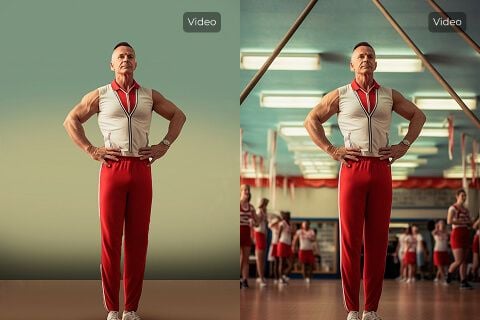
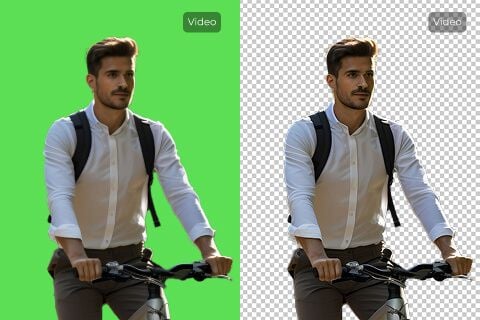
Using our video background remover, you can remove green screen backgrounds in just one click. No need for advanced video editing software. Overlay AI-generated footage onto a transparent backdrop, then add any image or scene you like.
Improve Product Visual Consistency

Improve Product Visual Consistency

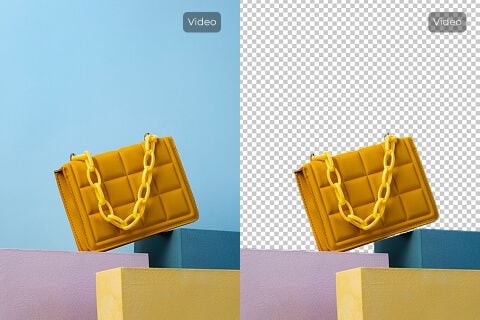
Publishing product video content online often demands visual consistency. With our video background remover, erase cluttered backgrounds and replace them with a cleaner, more impactful backdrop that highlights your product.

Repurpose Video Content

Repurpose Video Content

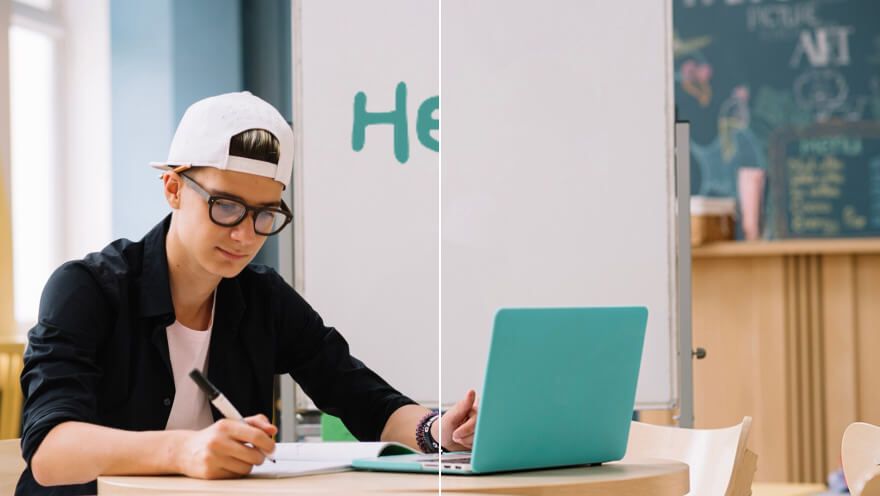
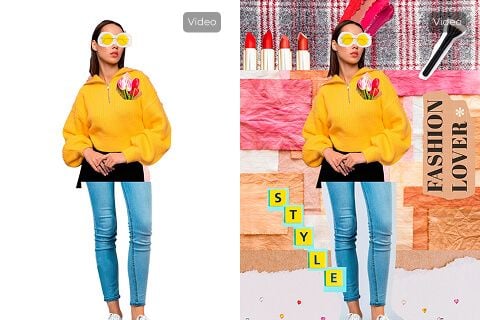
Erase video backgrounds in one click and create transparent assets that embed seamlessly across platforms—websites, ads, presentations, and more.

Enhance Video Appeal

Enhance Video Appeal

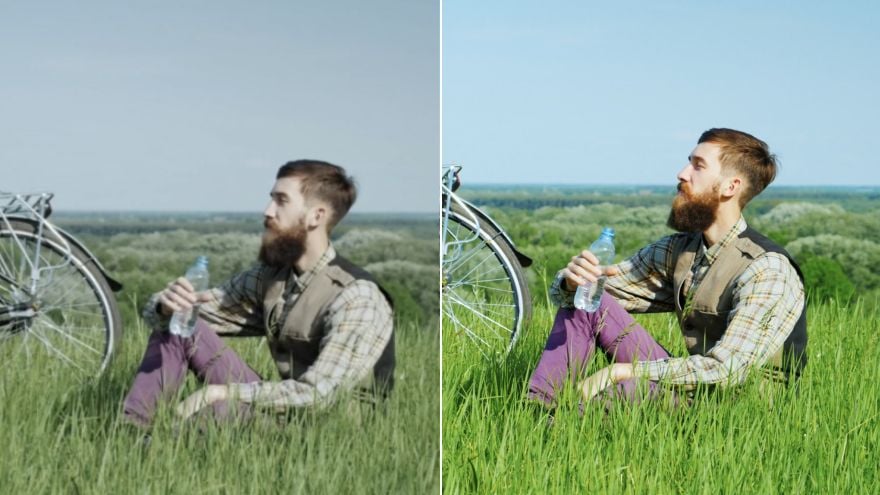
Instantly remove unwanted environments and backgrounds to improve overall appeal, then replace them with something more engaging.

Who needs a clean video background?

Remove cluttered product backgrounds

Product footage looks cleaner in product videos when rooms, tables, or walls stop distracting from the item itself.

Keep ad visuals focused

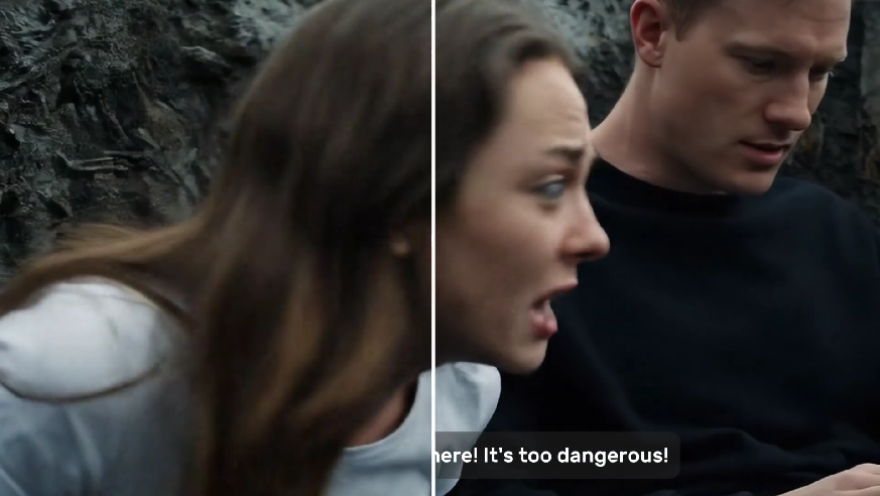
Before creator clips become UGC video ads, remove busy backgrounds so the product and speaker stay centered.

Polish teaser footage

Early shoots look more refined in trailers when cluttered backgrounds are replaced or removed.

Make lessons easier to follow

In tutorial videos, a clean background keeps attention on the instructor and the content being taught.

How Does Our Video Background Remover Work?

Step

1
Upload the video whose background you want removed.

Step

2
Wait a few minutes while our video background remover processes it.

Step

3
Once complete, download the edited video for free.

Explore Other AI Video Editing Tools

Video Object RemoverUse This Tool
Video Object Remover
Video Subtitle RemoverUse This Tool
Video Subtitle Remover
Video EnhancerUse This Tool
Video Enhancer
AI Video FiltersUse This Tool
AI Video Filters

FAQs

What is a video background remover?

It is an AI tool that automatically separates the subject from the background across video frames, producing a transparent or clean backdrop for compositing.

What is unique about our video background remover?

TikTV.AI focuses on one-click processing, credit-based pricing aligned with Pollo (10 credits/sec), and seamless jumps from Create results.

Is our video background remover free?

You can try it with account credits. Each run costs 10 credits per second of input video (rounded up).

Will the video quality be impacted by the video background removal?

The tool aims to preserve subject detail while removing the background. Extremely low-light or complex edges may need a second pass.

What video formats does the video background remover support?

MP4, WebM, MOV, and GIF up to 2GB, maximum 4K resolution, and 30 FPS.

Can this video background remover be used on mobile?

Yes. The page works on mobile browsers; for large files, desktop upload is recommended.

How fast does this video background remover run?

Most clips finish in a few minutes. Time varies with file size and scene complexity.

Can I remove backgrounds from multiple videos?

Yes. Process videos one at a time; each run consumes credits based on duration.

How do I use this video background remover?

Upload a video (or open from Create with a prefilled clip), optionally set visibility options, then click Generate.

Can I replace the background with something else using this tool?

This tool removes the background to transparency. You can then composite a new scene in an editor of your choice.

Can I remove video subtitles with this tool?

No. Use the Video Subtitle Remover for burned-in captions.

Erase video backgrounds with unmatched precision!

Upload a video to remove the background instantly and create clean clips ready for any platform.

Narzędzia kreatywne
Generator filmów AI
AI Tekst na Wideo
AI Obraz na Wideo
Referencja do Wideo
AI Obraz na Awatar Wideo
AI Edytor Wideo
Mimika Ruchu
AI Wideo na Wideo
AI Generator Obrazów
AI Obraz na Obraz
AI Edytor Zdjęć
AI Generator Głosów
AI Narzędzia do Wideo
AI Narzędzia do Obrazów
Generatory Obrazów
LoRAs
Modele wideo
Veo 3
Sora 2
Kling 3.0
Seedance 2.0
Kling AI
Hailuo AI
PixVerse AI
Runway
Vidu AI
Luma AI
Wan AI
Hunyuan
Więcej Modeli
Modele obrazów
GPT Image 2
Nano Banana 2
Recraft
Ideogram
Stable Diffusion
Flux AI
Seedream
Dall-E
Imagen
GPT-4o
Flux Kontext
Qwen Image
Wan AI
Więcej Modeli
Aplikacje
Generator Viralnych Wideo
Reklamy Wideo UGC
Reklamy Wideo Klonowane
Wideo Anime
Wideo Opowiadania
Wideo Muzyczne
Wideo Informacyjne
Wideo Eksplkikacyjne
Wideo Instagram
Wideo Facebook
Wideo B-Roll
Outro YouTube
Wideo Urodzinowe
Wideo Poświęcone
Więcej Aplikacji
Firma
O Nas
Skontaktuj się z Nami
Cennik
API
Log Zmian
Serwer MCP
  • Najlepsze narzędzia AI
  • Recenzje
  • Poradniki
  • Alternatywy
  • Wgląd w modele AI
  • Wskazówki o social media
  • Wszystkie artykuły
Pobierz Aplikację
Społeczność
Program Partnera Kreatywnego
Program Partnerski
Polityka zwrotów
Polityka prywatności
Regulamin
TikTV.AI
APK

Polski

  • English
  • Русский
  • Português
  • 日本語
  • Español
  • ภาษาไทย
  • Italiano
  • Türkçe
  • Deutsch
  • Nederlands
  • Français
  • 한국어
  • Polski
  • العربية
  • Norsk bokmål
  • Dansk
  • Bahasa Indonesia
  • 繁體中文
  • 简体中文

Copyright 2026 TikTV.AI. Wszelkie prawa zastrzeżone.

Trustscore 4.43500+ recenzji