
Picwand AI Video Generator
Picwand is a specialized AI suite focused on visual restoration and cinematic enhancement. It excels at turning low-quality, dull footage into vibrant, high-definition masterpieces through automated intelligence. Experience the Picwand AI video generator to unlock professional-grade video clarity in seconds.
Key Features of Picwand
Smooth Video Frame Interpolation: Utilize advanced frame interpolation to boost frame rates, eliminating motion blur and creating ultra-fluid movements.Automated Chromatic Calibration: Instantly fix exposure, flat lighting, and color casts with an AI engine that analyzes and corrects every frame for perfect balance.Ultra-HD Clarity Restoration: Upscale videos to 4K while simultaneously sharpening details and removing digital noise without leaving watermarks.Cinematic Visual Stylizer: Apply a rich library of professional video effects that adapt to the context of your footage for an artistic finish.
Smooth Video Frame Interpolation
By generating artificial frames between existing ones, Picwand’s video frame interpolation feature can turn a choppy 24fps video into a silky-smooth 60fps experience. This makes fast-moving objects look clearer, smoother, and more realistic.
| Input Video | Output Video |
Automated Chromatic Calibration
The video color corrector acts as an automated colorist. It identifies issues like "washed-out" colors or poor lighting in low-light interviews and fixes them in seconds. It ensures that beach sunsets are vibrant and indoor shots are naturally lit without any manual color grading.
| Input Video | Output Video |
Ultra-HD Clarity Restoration
Akool’s video quality enhancer uses AI to "guess" missing pixels, allowing for an upscale to 4K. It also "denoises" the video, removing the graininess often found in old phone recordings or low-light shots.
| Input Video | Output Video |
Cinematic Visual Stylizer
Picwand offers rich video effects that go beyond basic filters. These effects intelligently interact with the elements in your video. Whether you want to add an atmospheric haze or a vintage film aesthetic, the AI ensures the effect blends naturally with the lighting of the original clip.
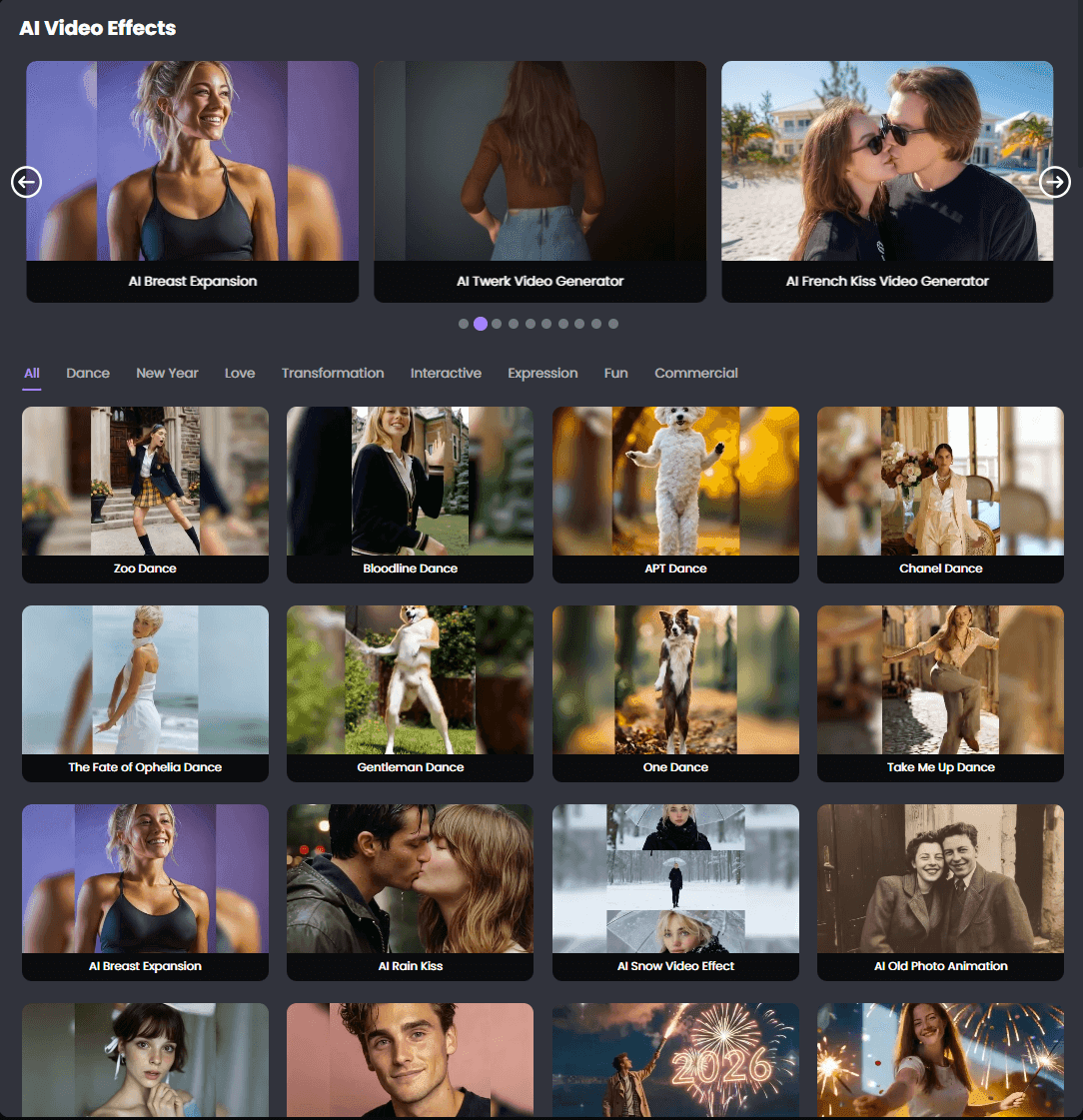
How To Use Picwand AI Video Generator on TikTV.AI
FAQs
What does Picwand do to video quality?
Picwand uses AI to upscale resolution, remove digital noise, and sharpen blurry details, effectively turning low-quality footage into high-definition content.
Can Picwand fix bad lighting in videos?
Yes, the automated chromatic calibration tool analyzes exposure and lighting issues in every frame to provide a perfectly balanced and vibrant look.
Does Picwand remove watermarks from enhanced videos?
Yes, Picwand is designed to provide high-quality output without adding its own watermarks, ensuring your content remains clean and professional.
Is the frame interpolation good for gaming videos?
Absolutely. It is ideal for gaming and sports content where a higher frame rate (smoother motion) significantly improves the viewing experience.
Is Picwand AI free to use?
Yes. You can try Picwand AI's video enhancement and generation features on TikTV.AI through a free trial. This provides limited credits to start, and a subscription will be needed for continued access to its full range of tools.